Four agents, one hero image
Every hero image on this blog since June looks about the same. A blueprint sheet on a desk, dimension lines everywhere, a tablet in the middle showing whatever the post is about, circuit traces in the background. One light version, one dark. Codex made the first set for the astro-reactflow post, and since then my brief has been “more like that”.
For the astro-reactflow 0.5 post I gave that brief to four agents: generate the hero images in the style and feeling of the existing ones, adjusted for this topic. The results say more about the tools each agent has than about the prompt.
The pattern
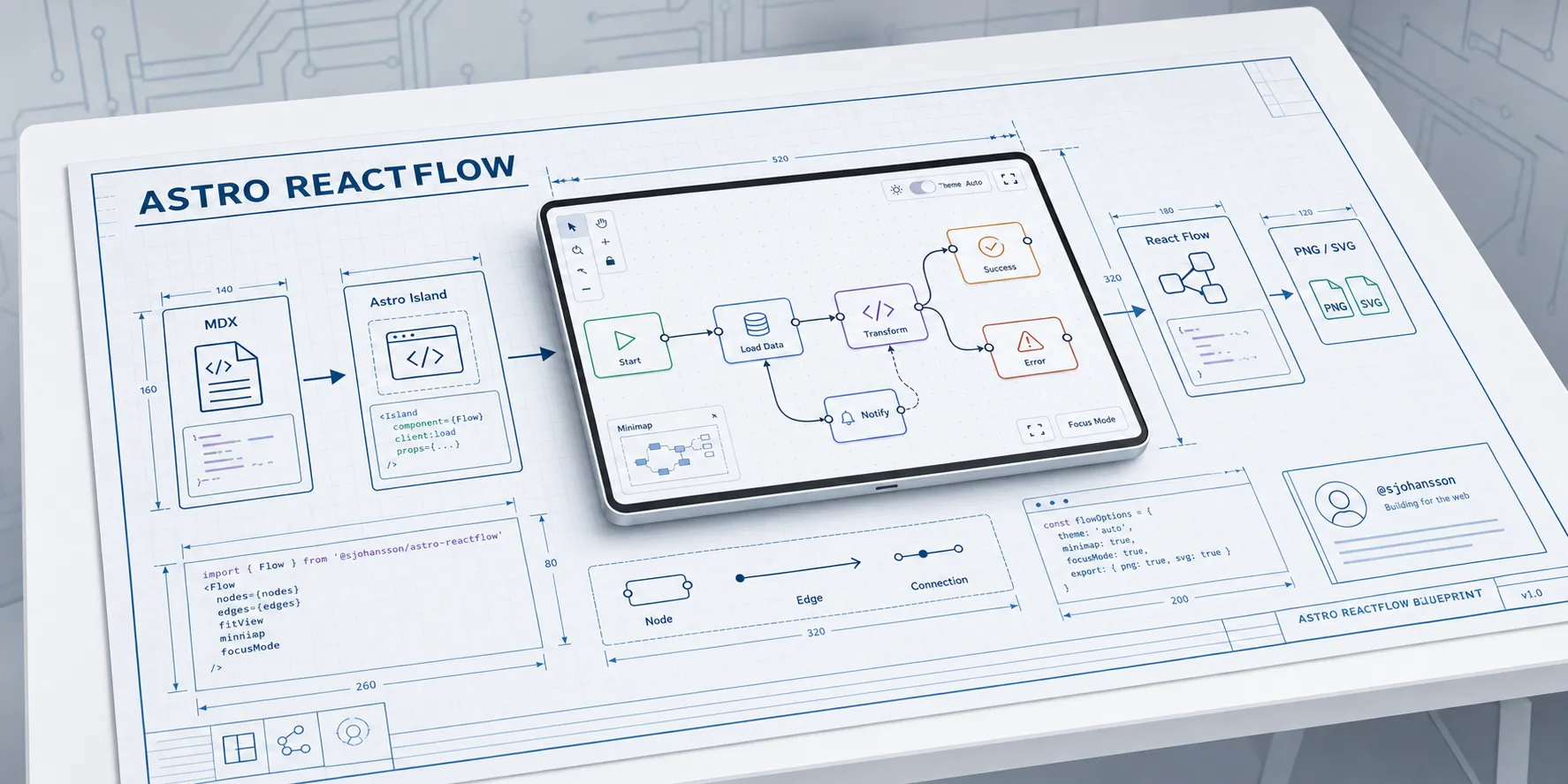
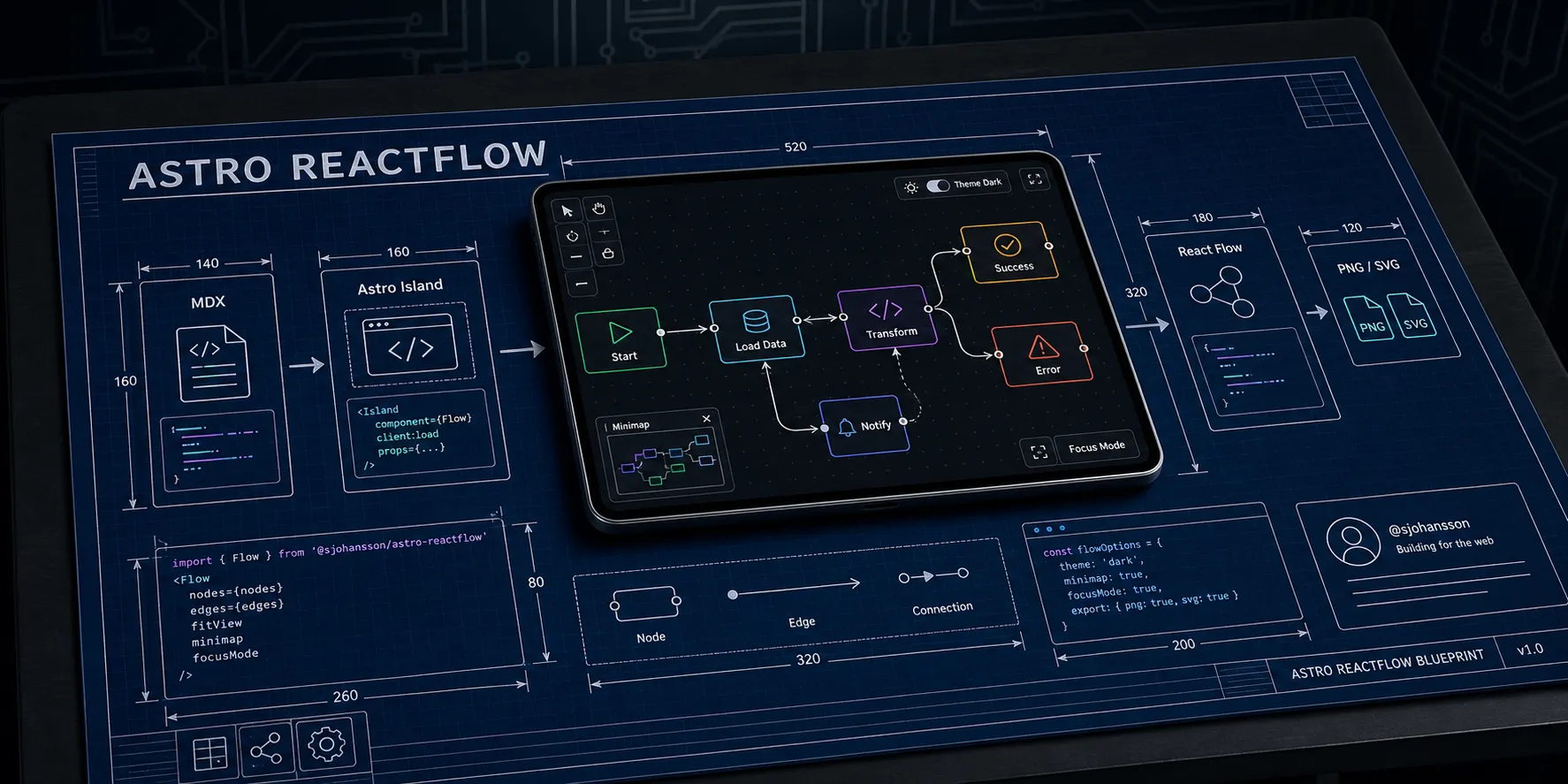
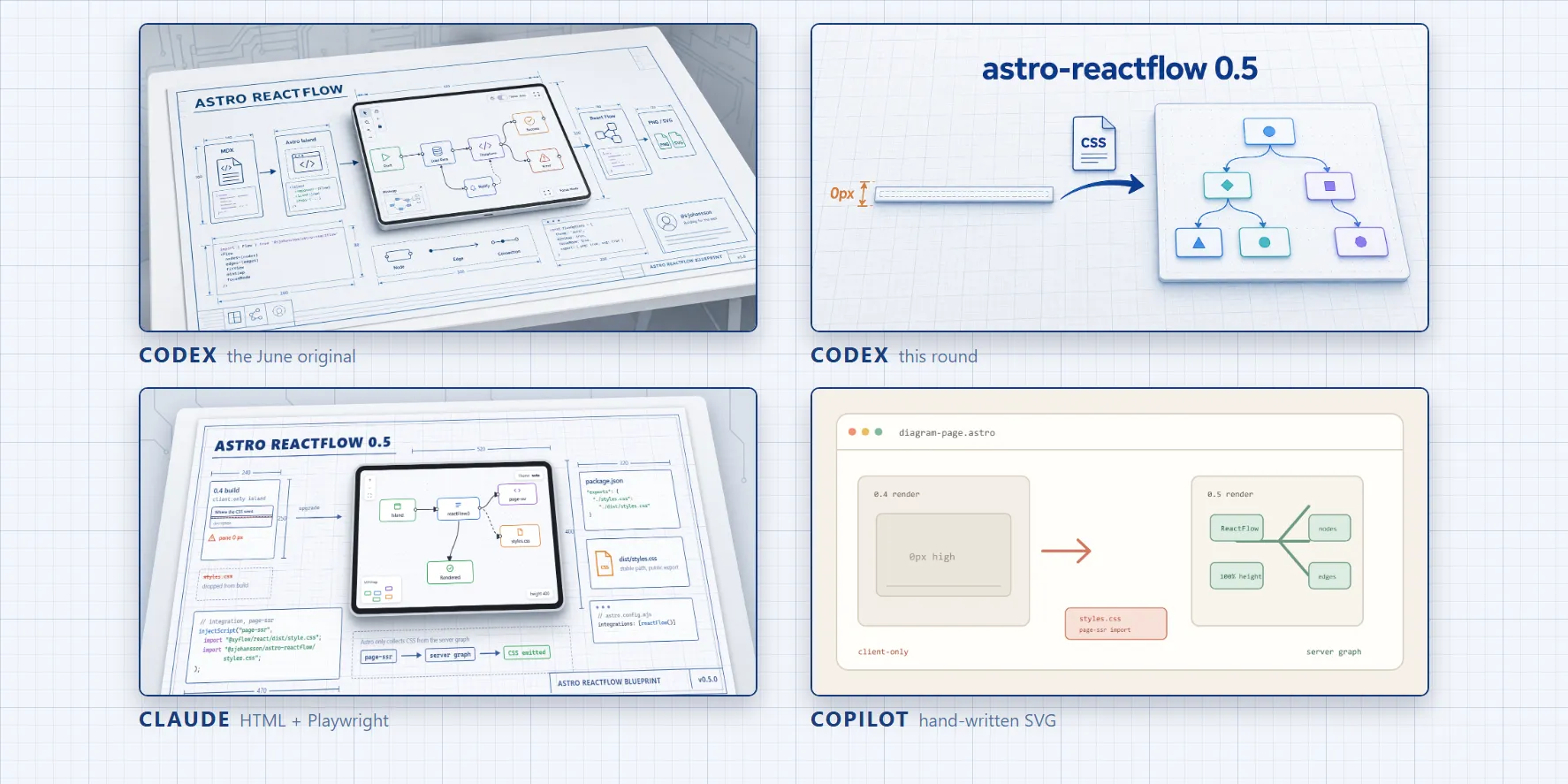
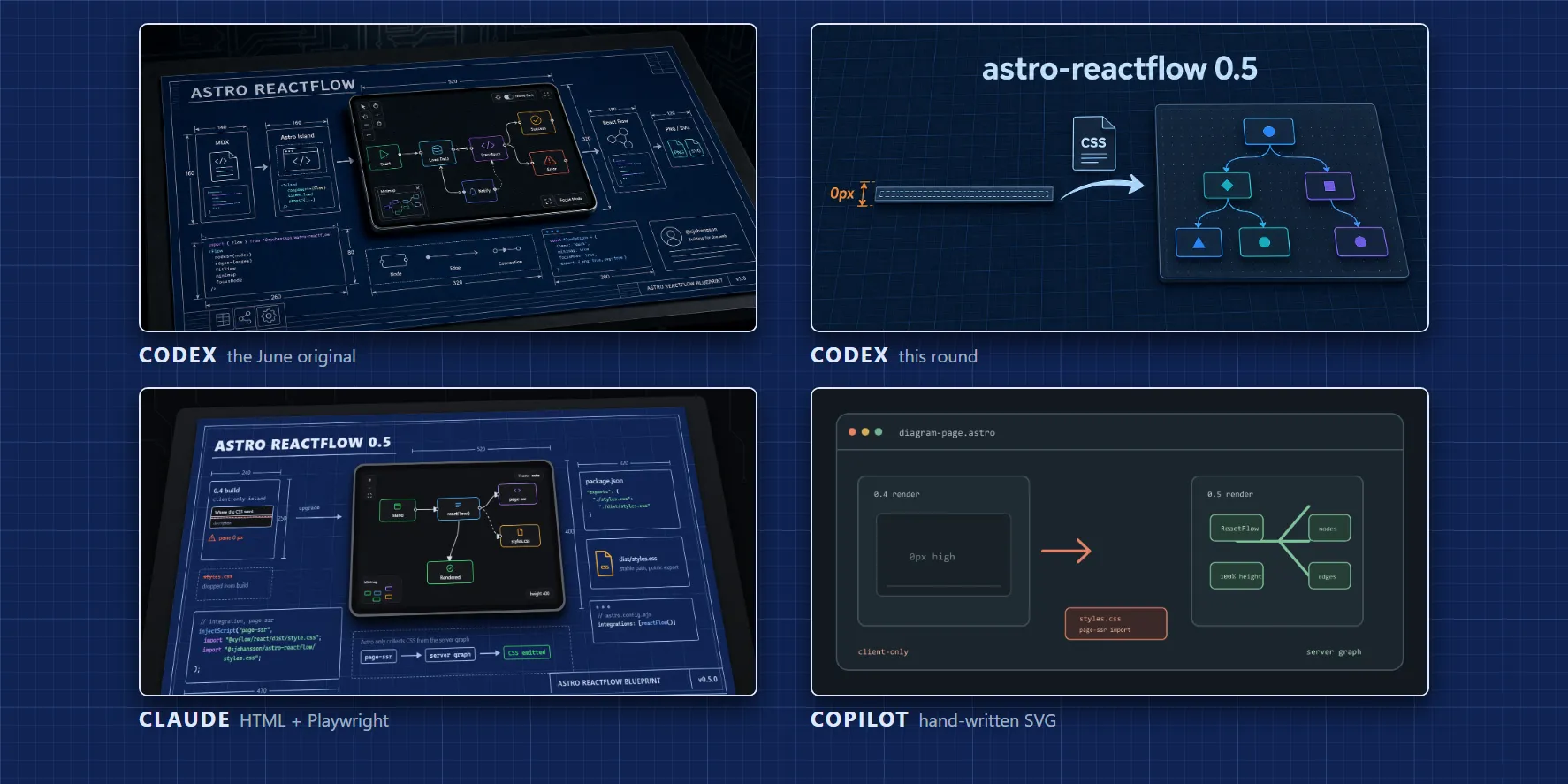
This is what everyone was asked to match. It is 1774 x 887, about 2 MB per theme, and it looks like a photo of a drawing. Look closer and it falls apart a bit. The dimension numbers mean nothing, and the code on the sheet is close to real but not quite. At card size nobody can tell, and that is the point of a hero image.
Codex
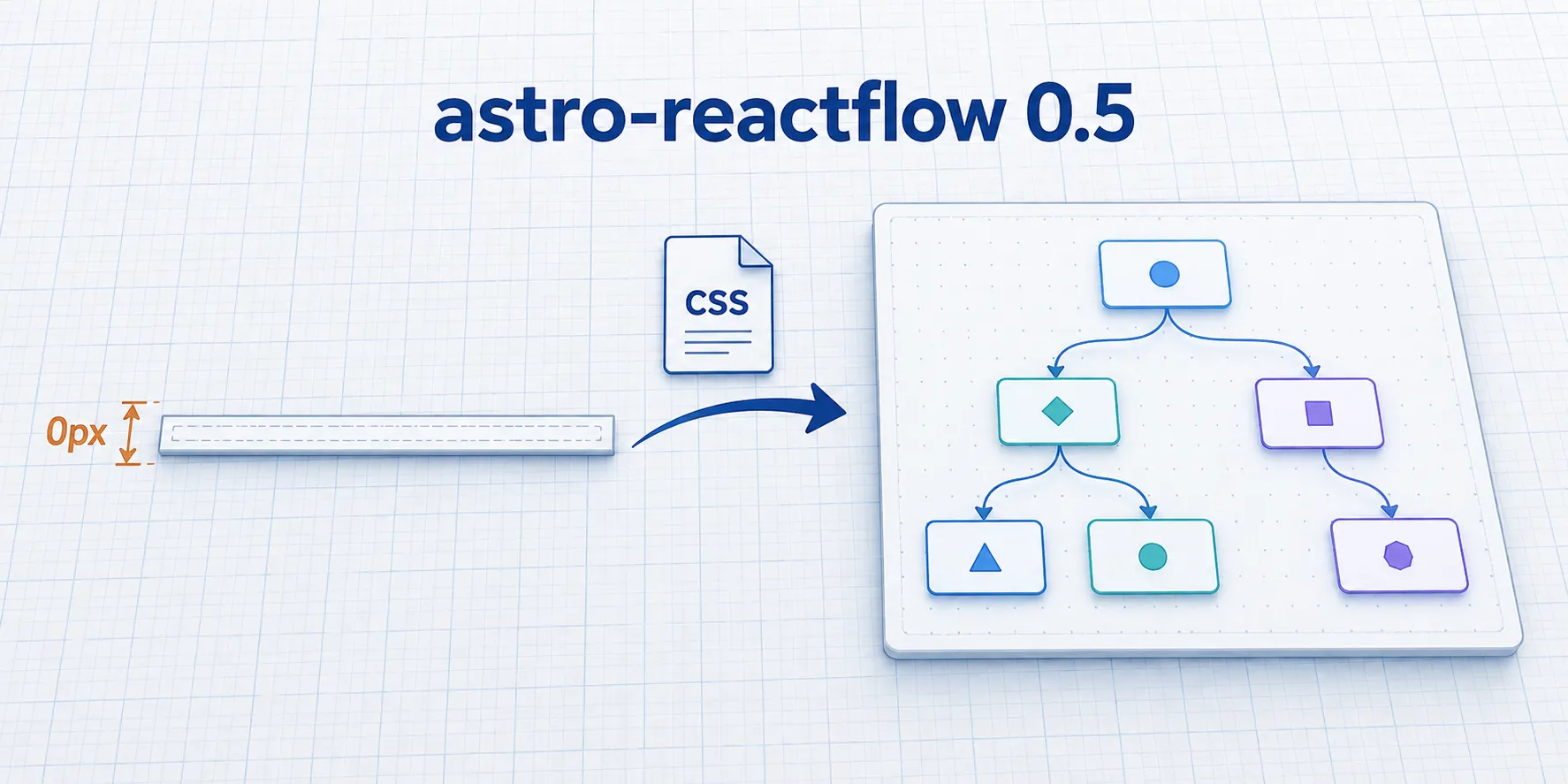
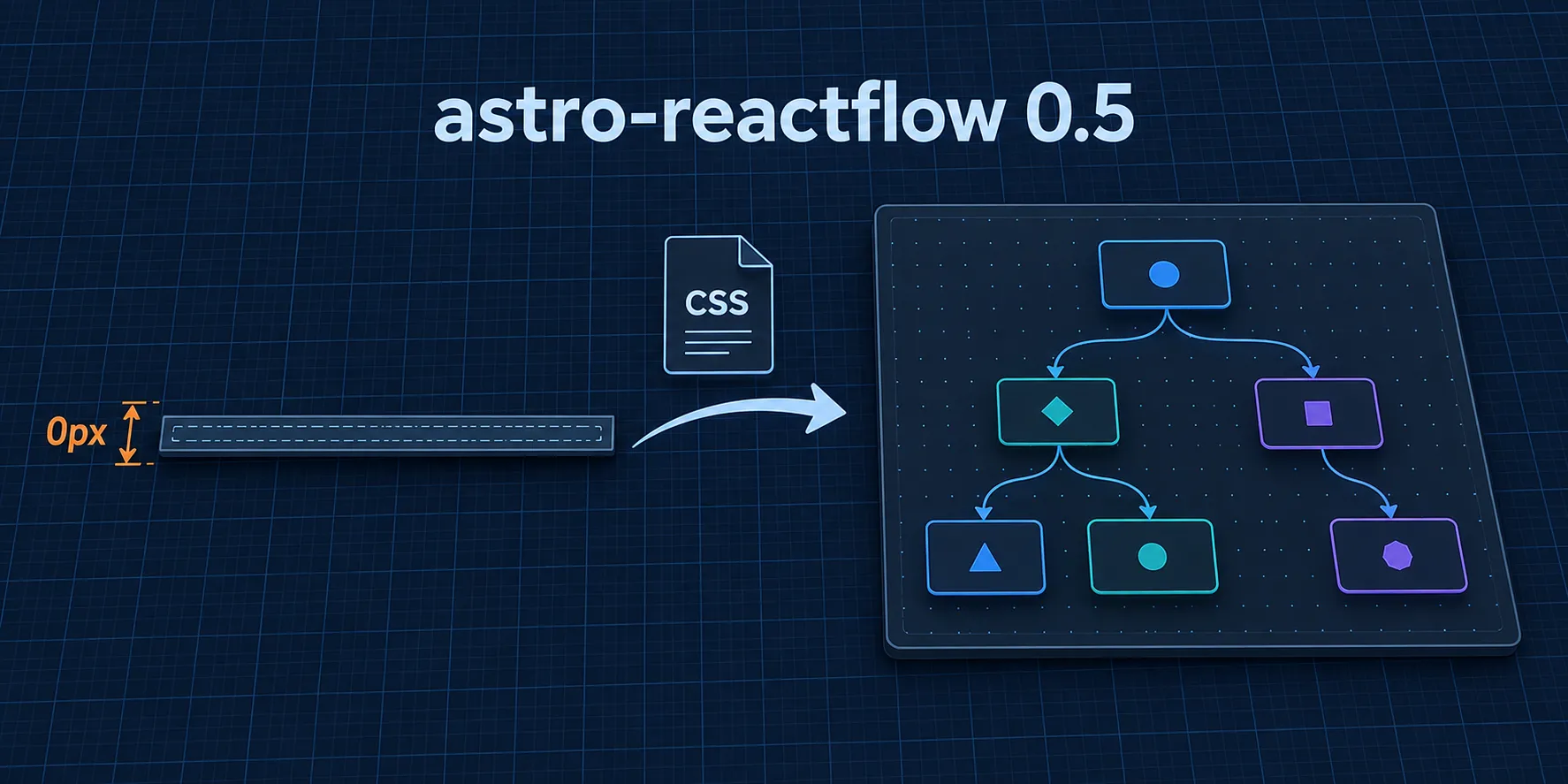
Codex has an image model built in, so it made an image. It kept the grid and the palette and dropped nearly everything else: no desk, no tablet, no dimension lines, and a lowercase title in a different typeface. It isn’t the pattern.
It is the clearest picture of the bug, though. A collapsed 0 px strip, a CSS file, an arrow, a working diagram. You get it at thumbnail size without reading anything. The diagram nodes are generic shapes, not the nodes in the post, but nobody will care. About 1.7 MB per theme.
Claude
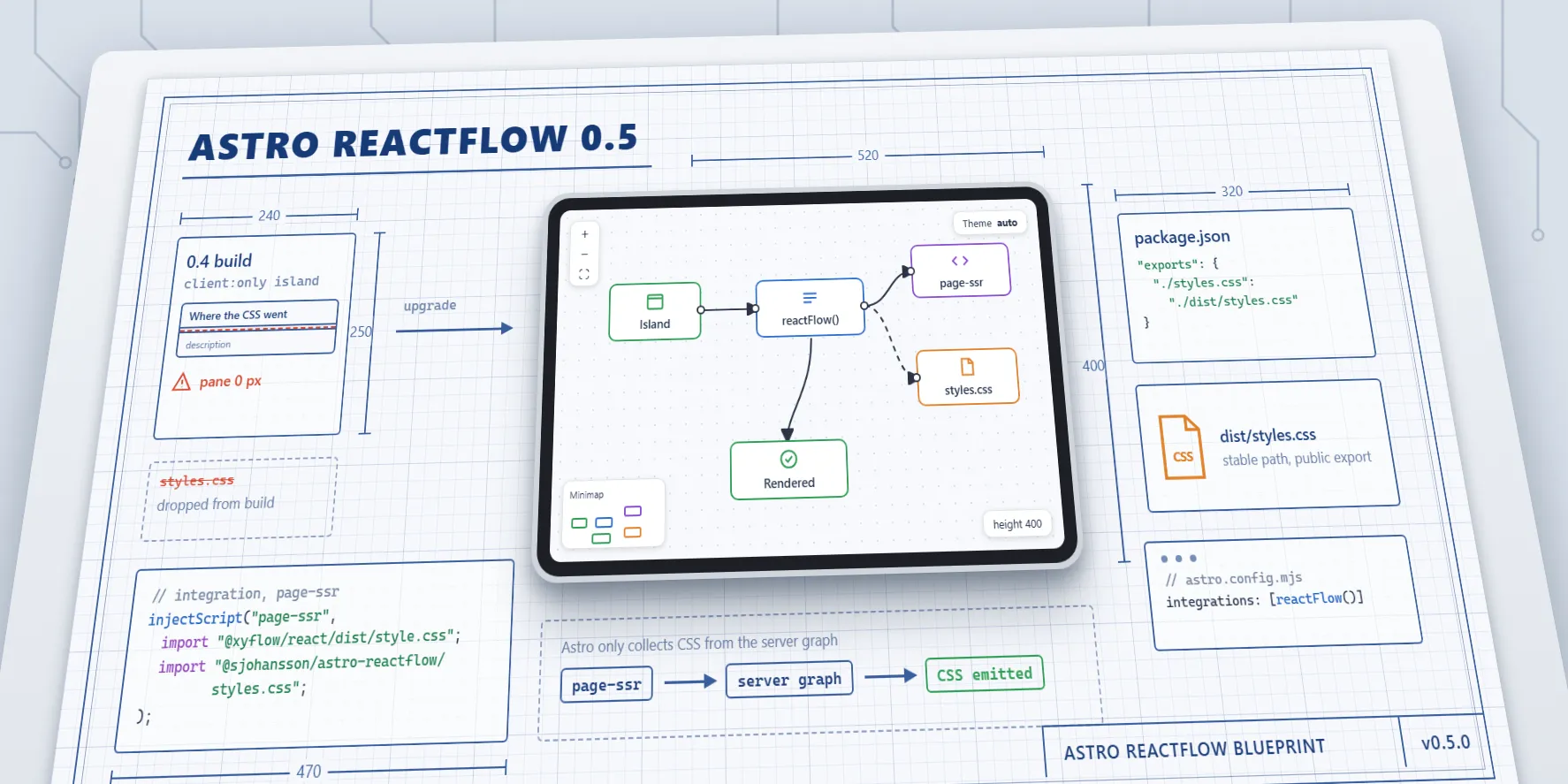
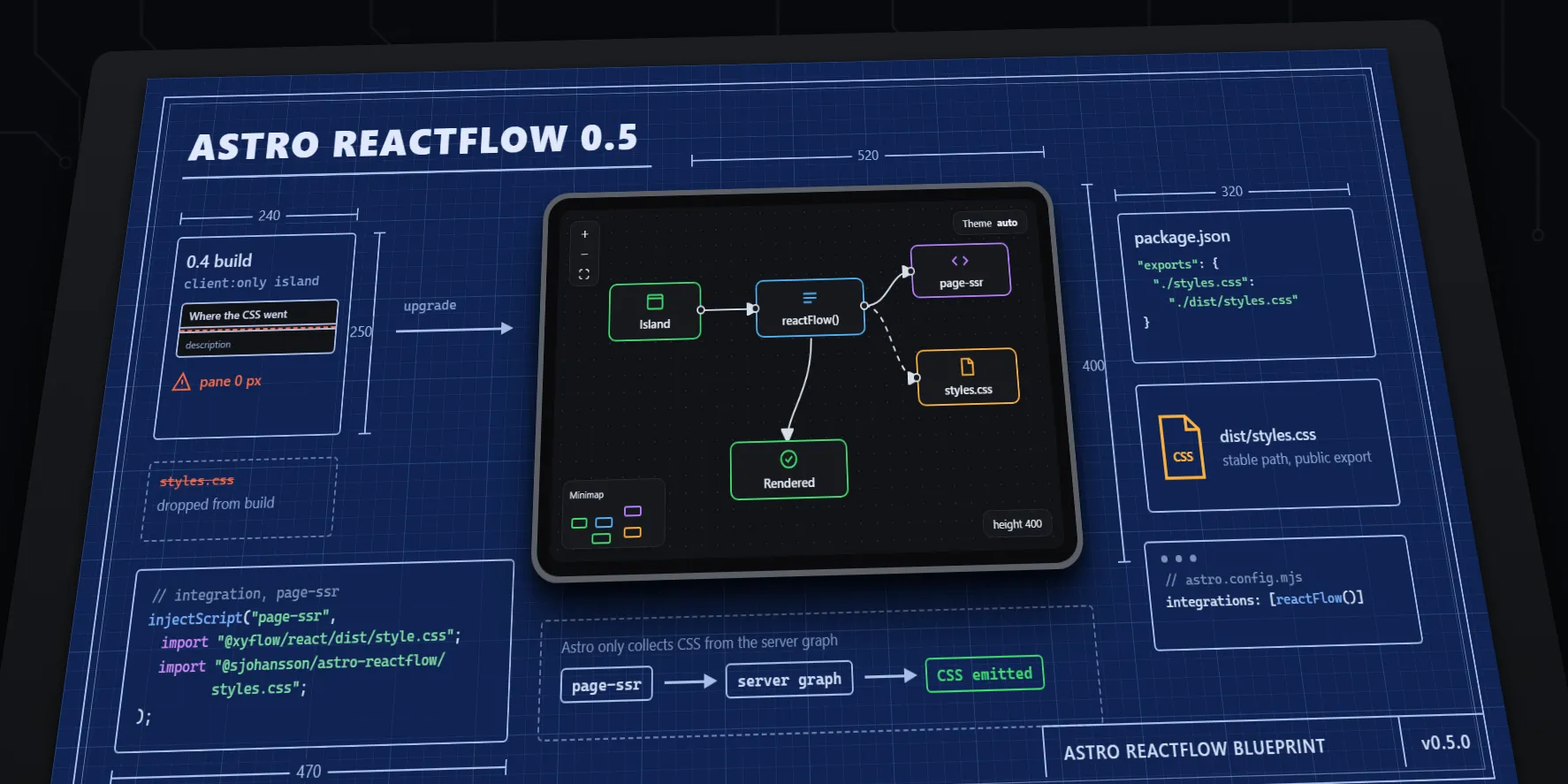
Claude has no image model and said so up front. It built the scene in HTML and CSS instead. A 3D transform tilts the sheet onto the desk, and the repo’s own Playwright takes a screenshot of it in each theme. Then it looked at the screenshots and fixed what was wrong. The first render was zoomed in so far the sheet ran off the edges. The second cut off the bottom row. The third had a box sitting on a dimension line.
It is the closest match to the layout, and every label comes from the post: page-ssr, dist/styles.css, the
injectScript call, the reactFlow() config. The text is sharp because it is text. It is also obviously flat. Next to
the June image it looks like vector art, and the small labels are too small to read on a card. About 700 KB per theme.
The upside is that the source is a web page. Changing something means editing a line and rendering again, which takes a few seconds. With an image model you ask again and hope. The downside: the HTML lived in a temp folder and went when the session ended.
Copilot
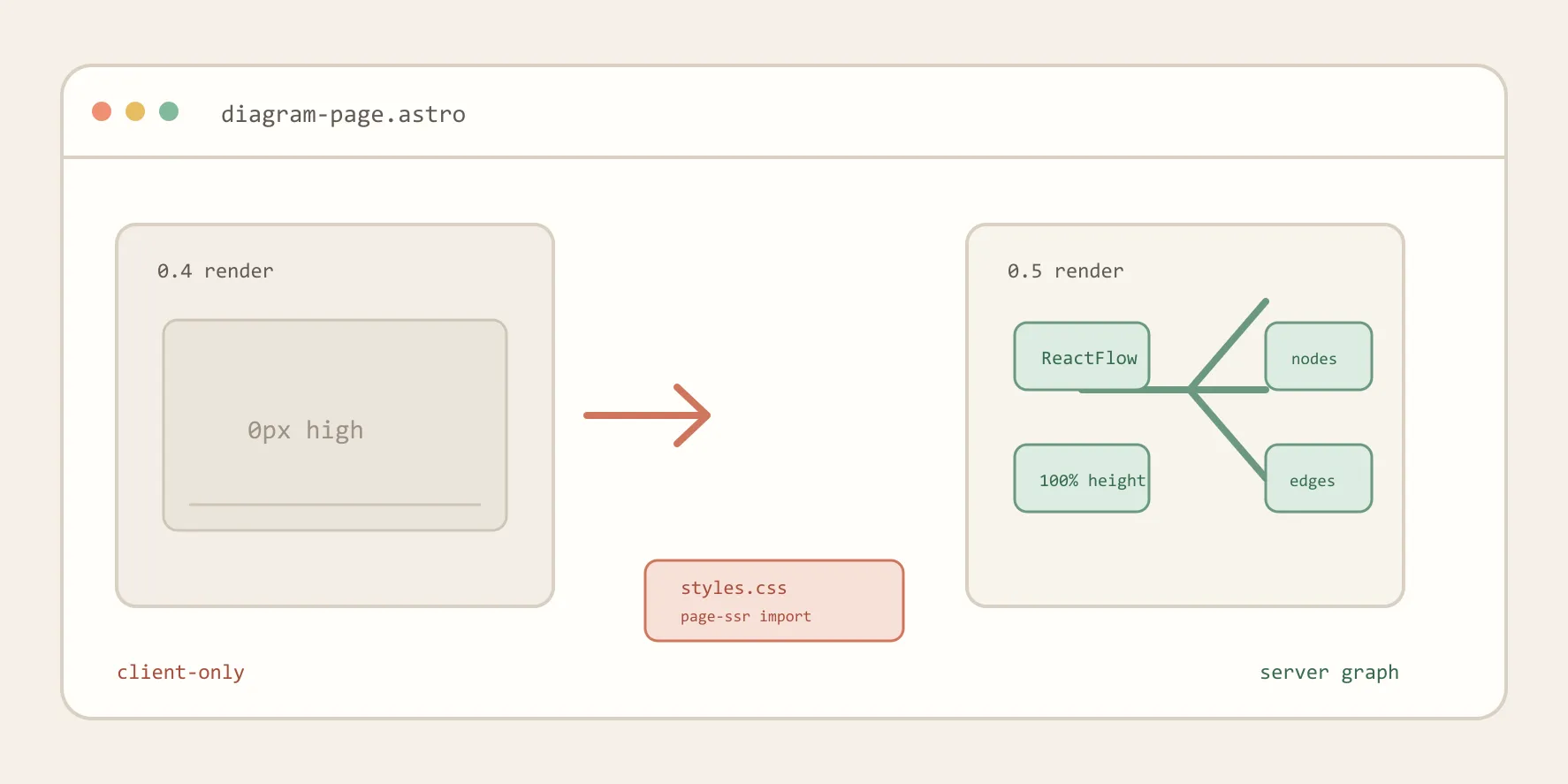
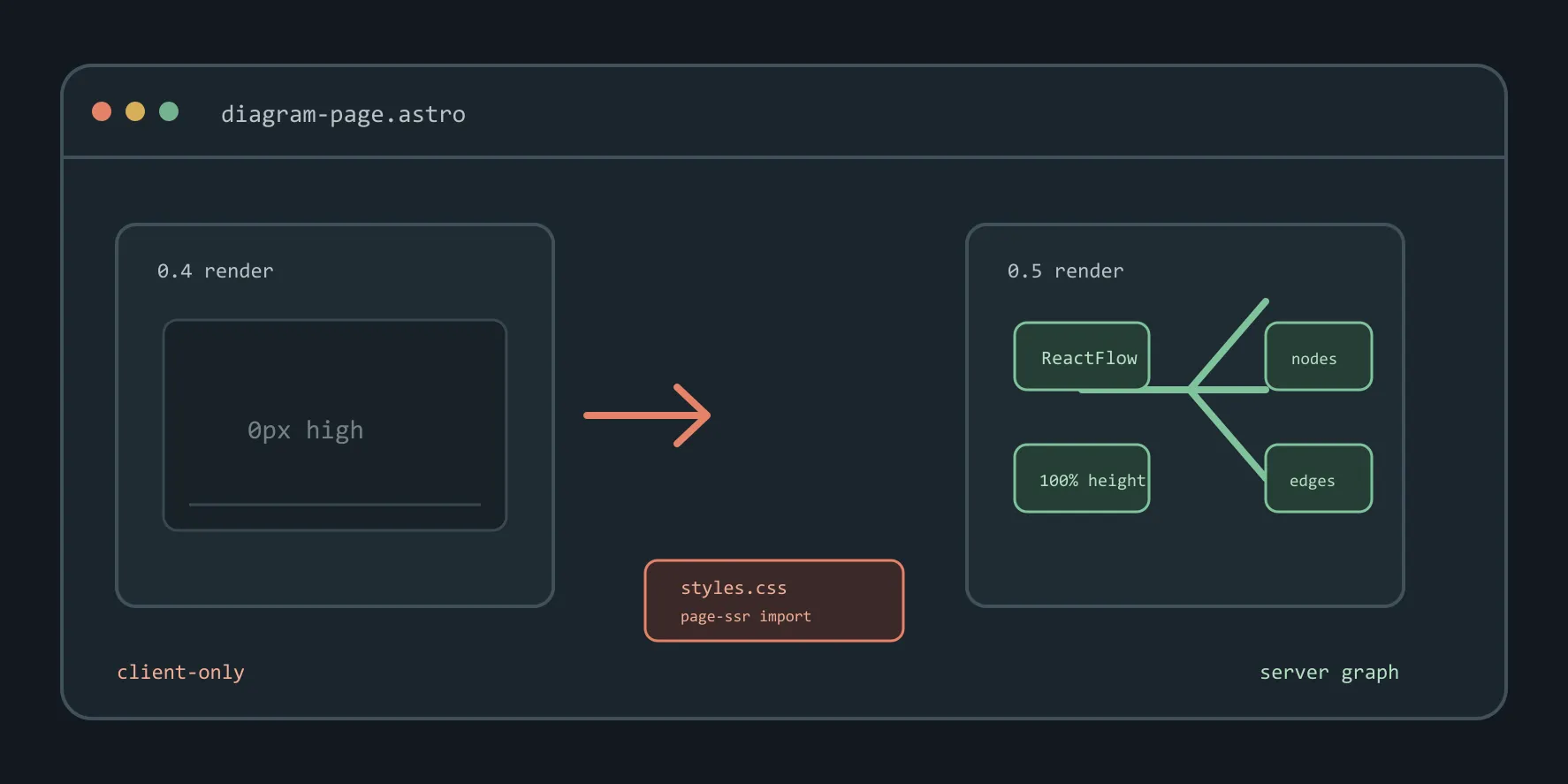
Copilot wrote the SVG by hand: 30 shapes and text elements, 3.4 KB per theme, with PNG exports of about 80 KB. It ignored the pattern completely. Warm beige, window chrome, monospace everywhere, no blueprint in sight.
The idea is right: 0.4 renders 0 px high, styles.css moves to a page-ssr import, 0.5 renders. The drawing is not.
The edges in the 0.5 panel run straight through the ReactFlow node, one of them ends in empty space, and “100% height”
runs into its own border. That’s what you get from placing coordinates by hand without looking at the render.
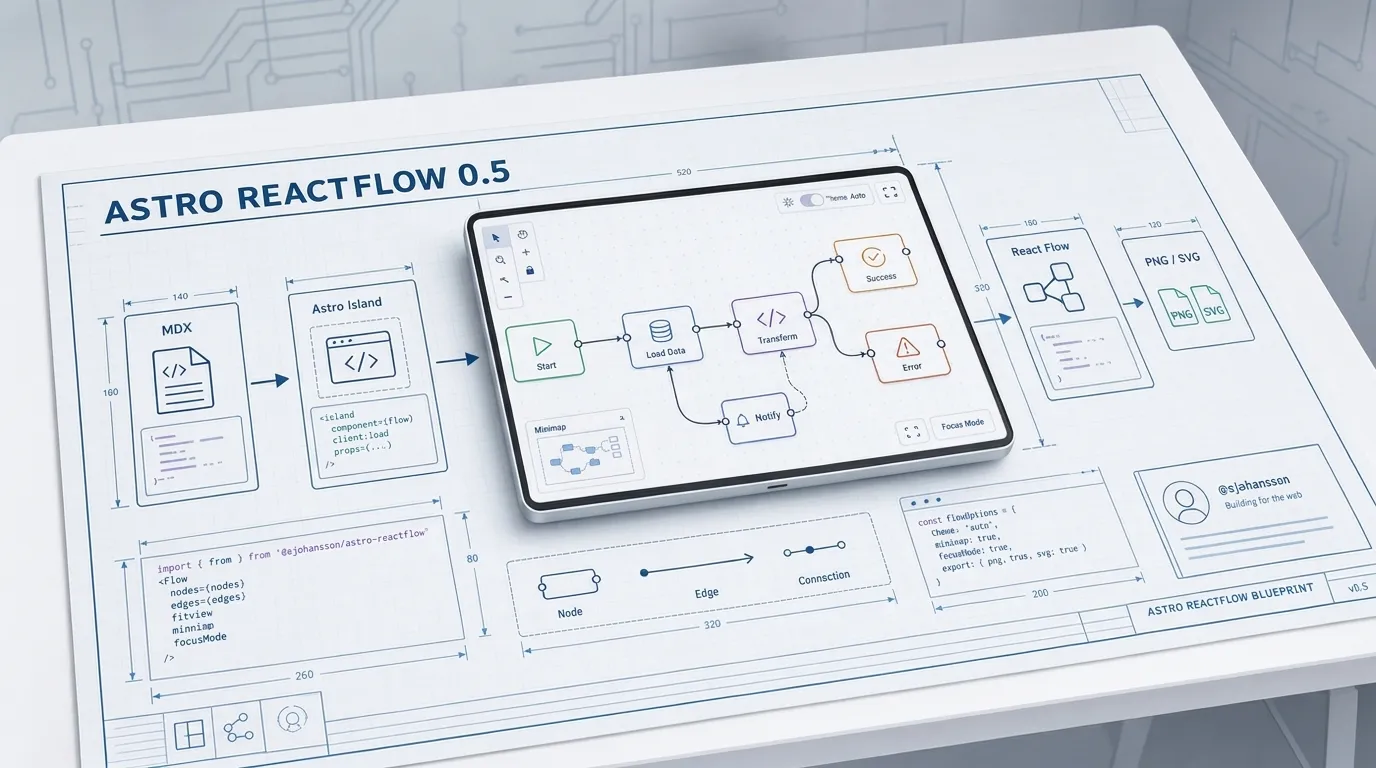
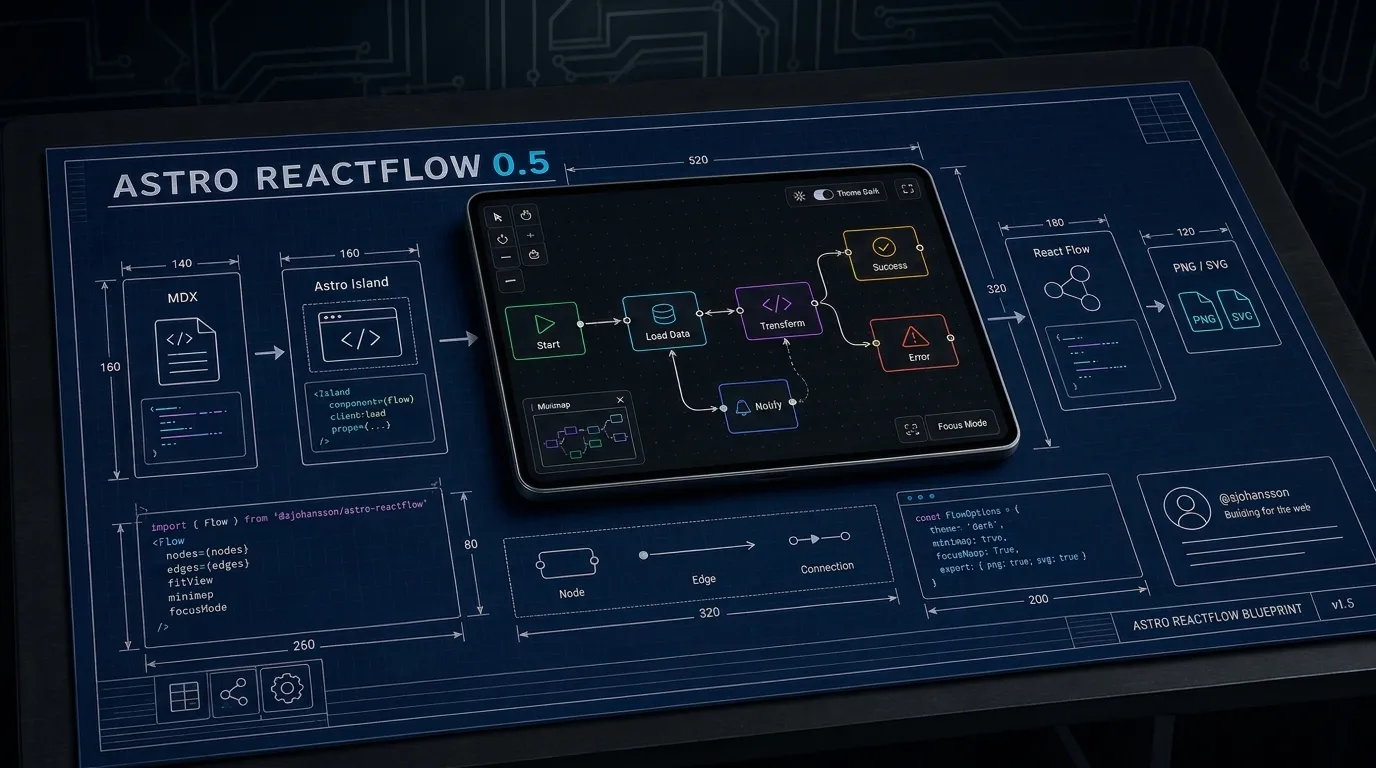
Gemini has an image model too, and it came closest by a mile. Desk, blueprint sheet, tablet in the middle, dimension lines, circuit traces behind, title top left, title block bottom right. Put it next to the June image and you would reckon the same tool made both. It is 1376 x 768, a bit smaller than the others, and about 1.5 MB per theme.
Look closer and it is the June image’s problems again, only worse. The text is nearly right everywhere: “Losd Data”,
“Transferm”, “Nouly”, “Theme Galk”, focusNapp: True, and a title block that says v1.S. The import in the light version
comes from @ejohansson/astro-reactflow, which is not my package. The light and dark images are two separate
generations, not one scene re-lit, so the code panels don’t match between them.
It also missed the topic. The tablet shows a generic Start, Load Data, Transform flow and the panels list minimap, focus
mode, and PNG export. Nothing about the 0 px bug or styles.css. It drew a nice picture of astro-reactflow in general,
not of 0.5.
The tools decide
| Agent | How it made the image | Size per theme | Matches the pattern |
|---|---|---|---|
| Codex | Image model | 1.7 MB PNG | Palette yes, layout no |
| Claude | HTML and CSS, screenshot via Playwright | 700 KB PNG | Layout yes, finish no |
| Copilot | Hand-written SVG | 3.4 KB SVG, 80 KB PNG | No |
| Image model | 1.5 MB PNG | Layout yes, topic no | |
| Codex, with the skill | Image model and a detailed brief | 2 MB PNG | Yes |
The prompt was the same. The output wasn’t, and the difference comes down to what each agent can call. An image model gets the look right and makes up the details. You redo it by asking again. Code gets the details exact and looks like code, and you redo it by editing. The June pattern came out of an image model, so only an image model will match its finish. Gemini proves it, typos and all. The rest can only copy the layout.
A better brief
None of the four earned a spot on the 0.5 post. The problem wasn’t the agents so much as my brief. “More like that” leaves the model to guess what “that” is, and each one guessed differently.
So I wrote down what “that” is, as a skill: hero-image-generator in .agents/skills/. It lives there so Codex,
Claude, and Copilot all pick up the same rules. It covers:
- The scene. A blueprint on a desk, line-art panels around the edge, and one real object in the middle. Usually a tablet.
- Planning the sheet from the post. Title top left, the “before” on the left, the “after” on the right, detail panels along the bottom, and arrows pointing the right way.
- Labels. Short ones in quotes, lifted from the post, because those are what the model spells right. Anything smaller is abstract strokes.
- What must not appear. Anything the post doesn’t claim.
- Reference images. The June heroes go in as style references, because text alone won’t get the look.
- The dark version. It is an edit of the finished light image, not a second generation, so both themes show the same scene.
- Fixing one panel. Edit that panel and list everything that has to stay put, rather than rolling the dice on the whole image again.
Then I gave Codex the same job again, with the skill and its image_gen tool.
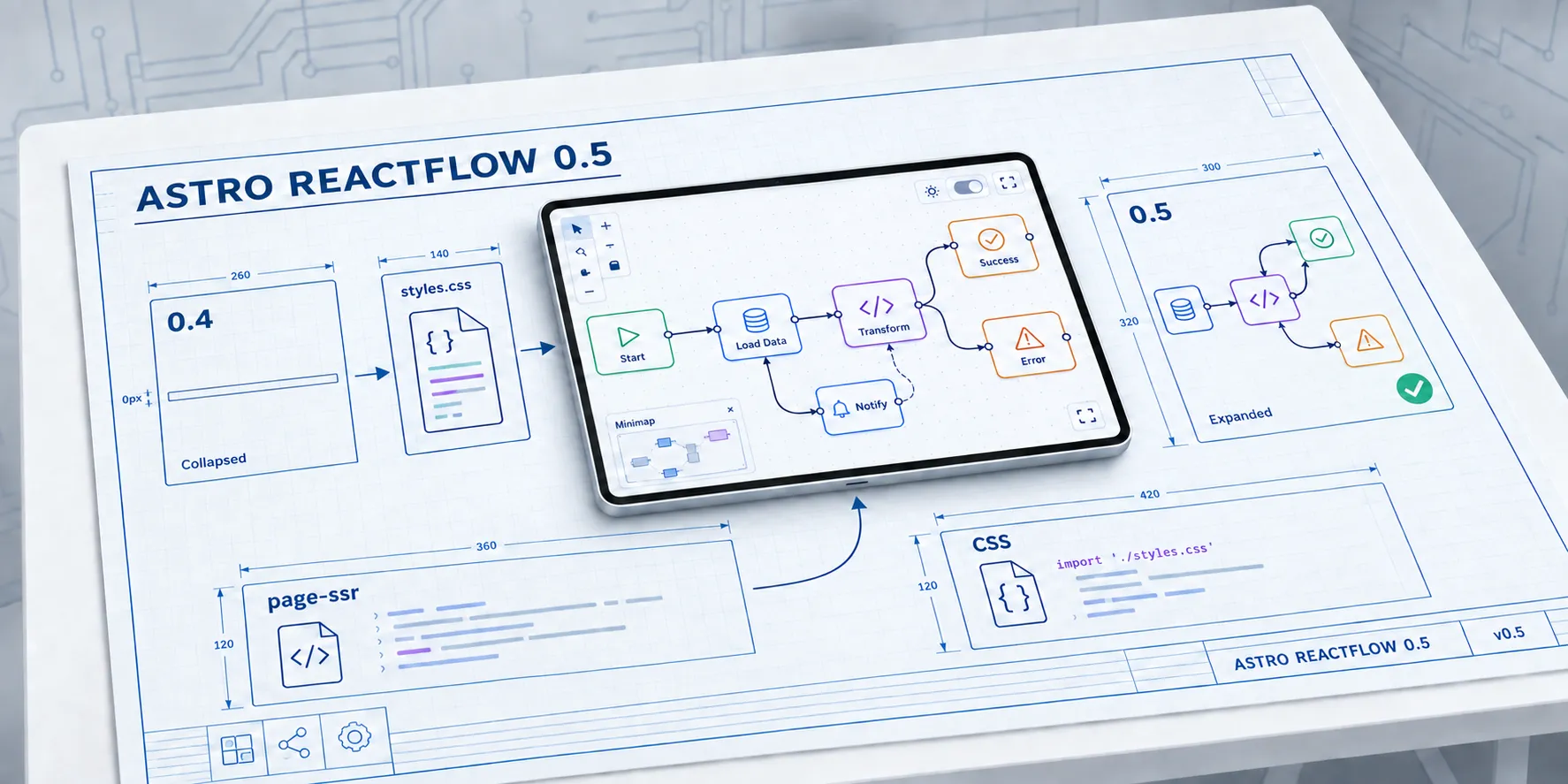
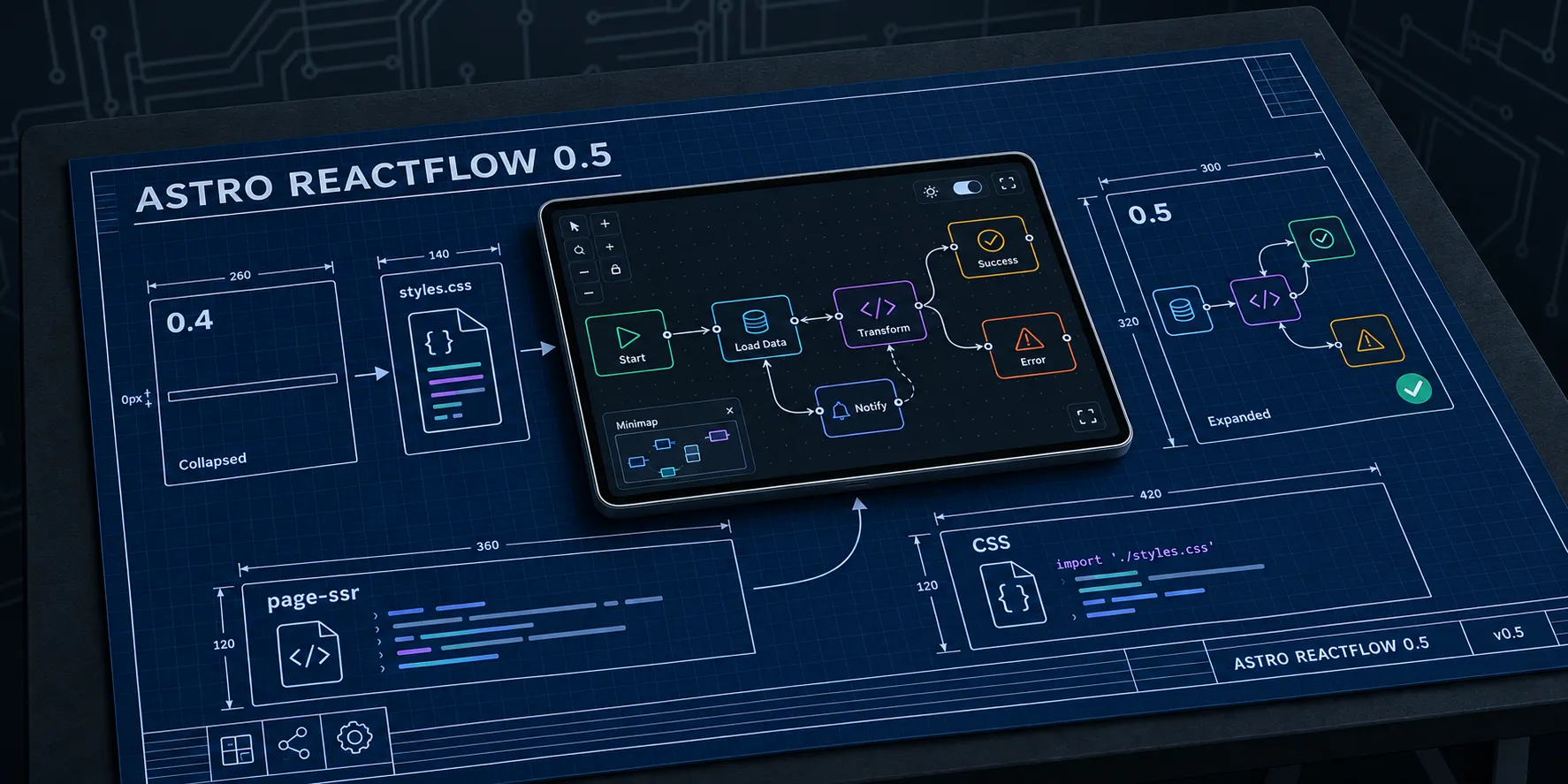
That’s the one on the 0.5 post now. It has the June finish and it tells the story of the
post: 0.4 collapsed to 0px, styles.css feeding the tablet, 0.5 expanded with a tick, and page-ssr and CSS import
panels along the bottom. The title and labels are spelt right. It is 1774 × 887, the same as June, and the dark version
is the light one re-lit, down to the last dimension line.
It took one fix. The first render drew three nodes inside the collapsed 0.4 panel, which is a funny way to show something 0 px high. One targeted edit of that panel sorted it, and the rest of the image didn’t move.
With a brief that detailed, Codex’s image tool is in a different class from anything else I tried. Gemini got the look and missed the content. Claude and Copilot got the content and missed the look. Codex got both.
Skills to the rescue
The skill has already made heroes for three more posts in the same session: two HSC posts with a textiles folio on the
tablet, and one with code turning into a Canva layout. None of them needed “more like that”. Each run saves its prompts
to build/imagegen/, so the next one starts from a brief that worked, not from a blank page and my memory of June.
It also keeps the models on track. Left alone, every agent drifts: Codex towards flat infographics, Gemini towards generic diagrams, Claude and Copilot towards whatever their tools can draw. The skill pins down the bits that make the pattern the pattern and leaves the model to work out the rest from the post. When it drifts anyway, there is a written rule to point at and a known way to fix one panel without losing the lot.
If you give an agent the same brief more than twice, stop typing it and write it down as a skill. Put in what “good” looks like, the examples to copy, what must never appear, and how to fix a near miss. It costs an arvo once. After that every agent in the repo gets the same brief, and the results stop depending on which one you asked.
“The pattern stays” as any current generation AI would say.
If you are wondering about that pattern, as implemented in the site theme etc, it is based on textiles. I’ve lived through a HSC Major work in Textiles & Design, and it has clearly left its mark…