Publishing to npm with no token
@aardarch/aardink-web publishes from GitHub Actions through npm trusted publishing. There is no NPM_TOKEN secret in
the repository, in an environment, or on my machine. The @sjohansson packages in astro-components work the same way.
A leaked token is the usual way a package gets hijacked. A token that does not exist cannot leak. That is the whole pitch, and it costs about half an hour once.
How it works
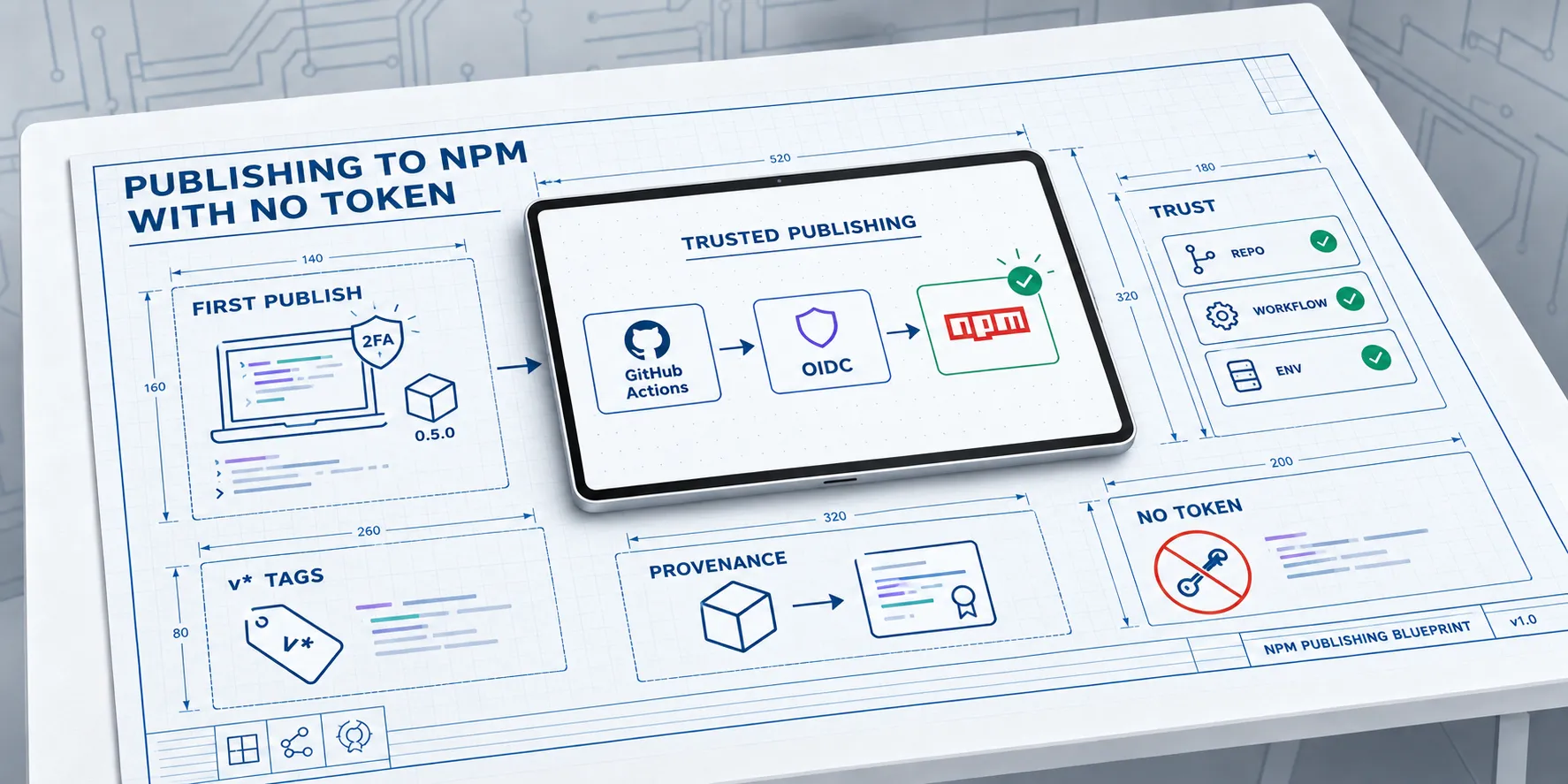
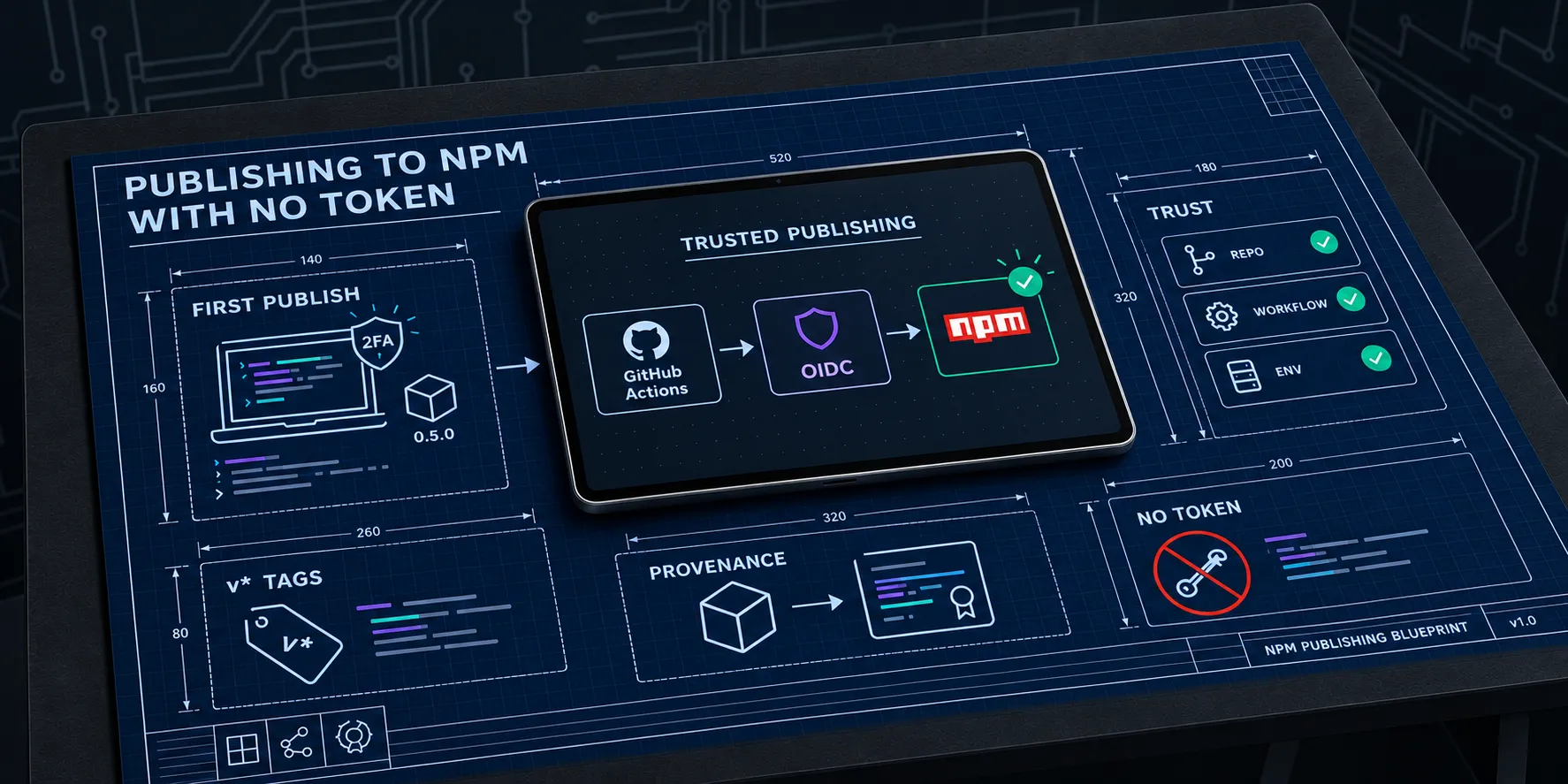
The workflow asks GitHub for a short-lived OIDC token that says “I am this workflow, in this repository, running in this environment”. npm checks that against the trusted publisher configured on the package. If it matches, npm hands back a publish credential that lasts for that one job.
Nothing is stored. Nothing needs rotating. Provenance comes along too, so the package page shows which commit and workflow built it.
The first version goes up by hand
npm only lets you attach a trusted publisher to a package that already exists. So the first version cannot come from CI. You publish it from your machine, then configure trust straight afterwards.
The steps, for a new package:
- Make sure the npm account has two-factor authentication turned on. Publishing and the trust setup both ask for it.
- For a scoped package, create the org first. I made
aardarchon the free plan, which allows unlimited public packages. The scope has to match the name already in your code. - Run
npm login, approve in the browser, thennpm whoamiandnpm org ls aardarchto check you are an owner. - Build the package and check it with
npm pack --dry-runbefore you publish anything. - Run
npm publish --access public, approving with 2FA when asked.
I published 0.5.0 this way on 27 September 2026. I built it from a separate git worktree of the v0.5.0 tag, so it did
not touch the branch I was working on. That worktree needed a copy of local.properties, because Gradle configures the
Android modules even for a wasm-only task.
Two things bit me:
- Scoped packages default to private, and npm rejects a private scoped package on the free plan. The 0.5.0
package.jsonhad nopublishConfig, so I had to pass--access publicby hand. Without it you get a 402. PutpublishConfigin the package from the start and later versions do not need the flag. - npm always includes
README.mdandLICENSEfrom the package folder. The 0.5.0 build had neither, so I copied them in before publishing. The dry run is where you notice.
Then check it landed. npm view @aardarch/aardink-web version dist-tags should show latest on 0.5.0.
Setting up the trust
Two places need configuring, and both have to agree.
On npm, add a trusted publisher for GitHub Actions. You can do it on the website under the package’s settings, or in one line from the terminal with npm 11.15 or later:
npm trust github @aardarch/aardink-web --file release.yml --repo aardarch/aardink --env npm --allow-publish --allow-stage-publishThe fields are the organisation, the repository, the workflow filename (the name only, no path), and the environment name. All four must match exactly. A near miss gives you a generic auth failure that does not say which field was wrong.
Don’t skip --allow-publish. Trusted publishers created since 3 September 2026 allow only staged publishing unless
direct publishing is ticked, and the release workflow publishes directly.
Then lock the door. In the package’s publishing access settings, choose “Require two-factor authentication and disallow
tokens”. From then on, only the workflow or a person with 2FA can publish. Run npm token list and revoke any old
publish tokens while you are there.
On GitHub, create an environment called npm. Under deployment branches and tags, add a rule for tags matching v*. No
secrets or variables go in it. The environment is half of the identity npm checks, and the tag rule means a stray branch
cannot publish.
The workflow
The job that publishes is small once the build is done. The bits that matter:
publish-npm:
  runs-on: ubuntu-latest
  environment: npm
  permissions:
    contents: read
    id-token: write # the OIDC token npm exchanges for a short-lived publish credential
  steps:
    # ... checkout, build the package, smoke test it ...
    - uses: actions/setup-node@v7
      with:
        node-version: 24
        registry-url: "https://registry.npmjs.org"

    # Trusted publishing needs npm 11.5.1 or later.
    - name: Update npm
      run: npm install -g npm@latest

    - name: Publish
      working-directory: sample-web/build/npm
      run: |
        version="${GITHUB_REF_NAME#v}"
        if npm view "@aardarch/aardink-web@$version" version >/dev/null 2>&1; then
          echo "@aardarch/aardink-web@$version is already on npm; nothing to do."
          exit 0
        fi
        tag=latest
        case "$version" in *-*) tag=next;; esac
        npm publish --access public --tag "$tag"
id-token: write is what lets the job ask for the OIDC token. Without it you get ENEEDAUTH.
The npm install -g npm@latest step is not optional. Trusted publishing needs a recent npm, and the one bundled with
some Node 24 images is too old.
The publish step does two jobs. A version with a hyphen in it, like 0.6.0-rc1, goes to the next dist-tag and never
moves latest. And it skips a version that is already on npm, so re-running a failed release is safe.
Before that step, the job checks that the tag matches the version in package.json. A mismatch fails the build rather
than publishing the wrong thing.
Staged publishing
If you want a human in the loop, set the repository variable NPM_PUBLISH_MODE to stage. The step then runs
npm stage publish instead of npm publish. Nothing becomes public until a maintainer runs
npm stage approve <stage-id> and answers a 2FA prompt. With that mode you can untick direct publishing in the trust
settings, so even a compromised workflow can only stage a version, never release one.
I left it off. A release tag is already a deliberate act, and I did not want npm waiting on me when Maven Central does not.
Things that fail quietly
repository.url must be exactly git+https://github.com/aardarch/aardink.git. Anything else and npm rejects the
provenance statement. The error does not point at the field.
A broken exports map or missing types will ship happily and fail in someone else’s bundler. The job runs publint and
@arethetypeswrong/cli before it publishes, and the same two run in ordinary CI, so a bad package fails on a pull
request instead of on a tag:
npm pack --dry-run
npx --yes publint@0.3 --strict
npx --yes @arethetypeswrong/cli@0.18 --pack --profile esm-only
The rest of the failures, in one place:
| Symptom | Cause |
|---|---|
| 402 on the manual publish | The scoped package defaulted to private. Pass --access public. |
| 403 on the manual publish | Not an owner of the scope, or 2FA was not approved. |
ENEEDAUTH or a 404 on PUT in CI | The trusted publisher does not match, or id-token: write is missing. |
| Publish rejected although the OIDC login worked | Direct publishing was not allowed on the trusted publisher. Only staging was. |
| The job waits on, or fails at, the environment | The v* tag rule is missing from the npm environment. |
| Provenance rejected | repository.url is not exactly the git+https URL. |
The first automated publish was v0.6.0-rc1. It went to next with a provenance badge, and latest stayed on 0.5.0
until v0.6.0. She’ll be right from there: tag, wait, done.