Updates to the Aardink editor v0.8.0
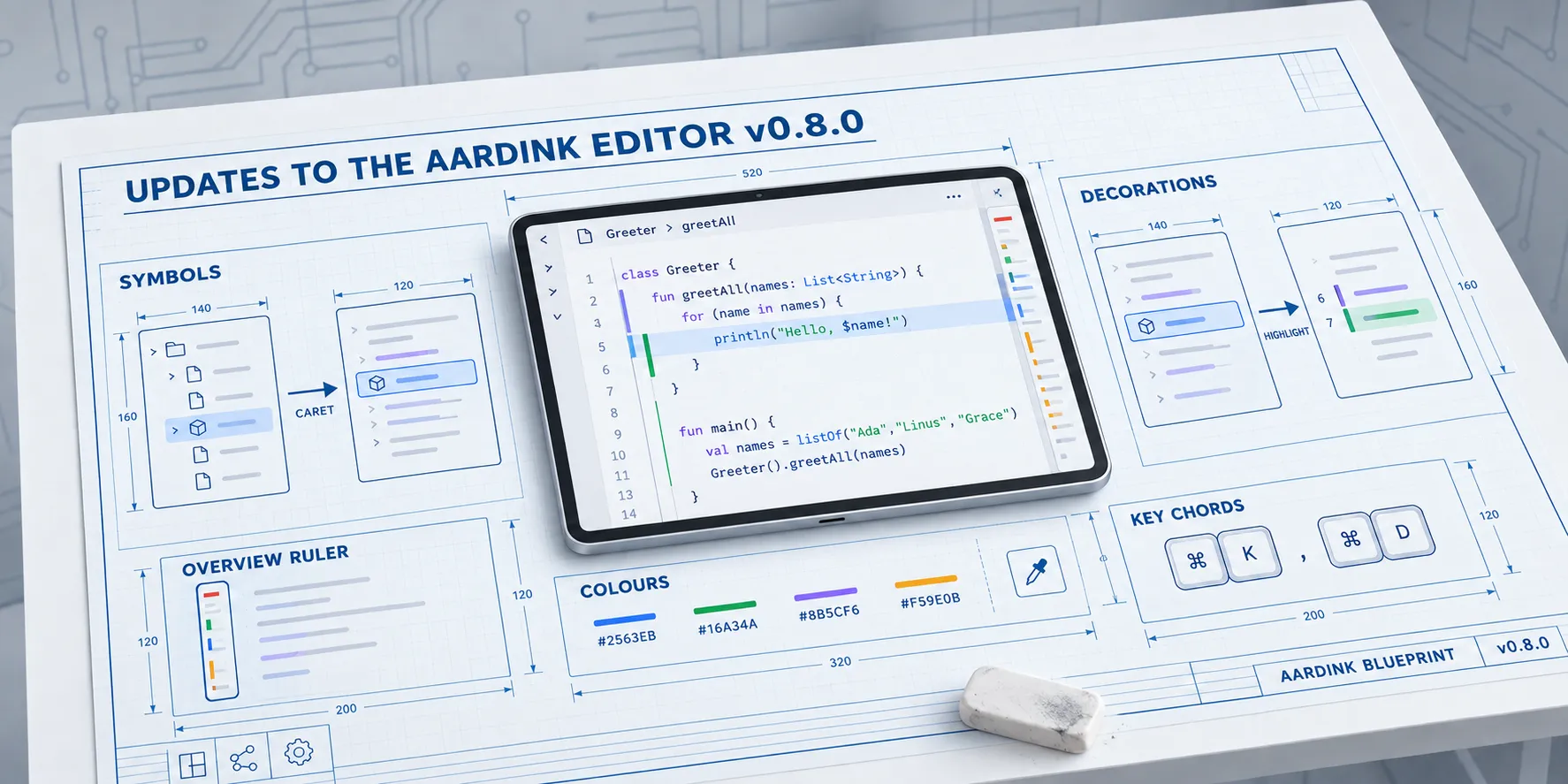
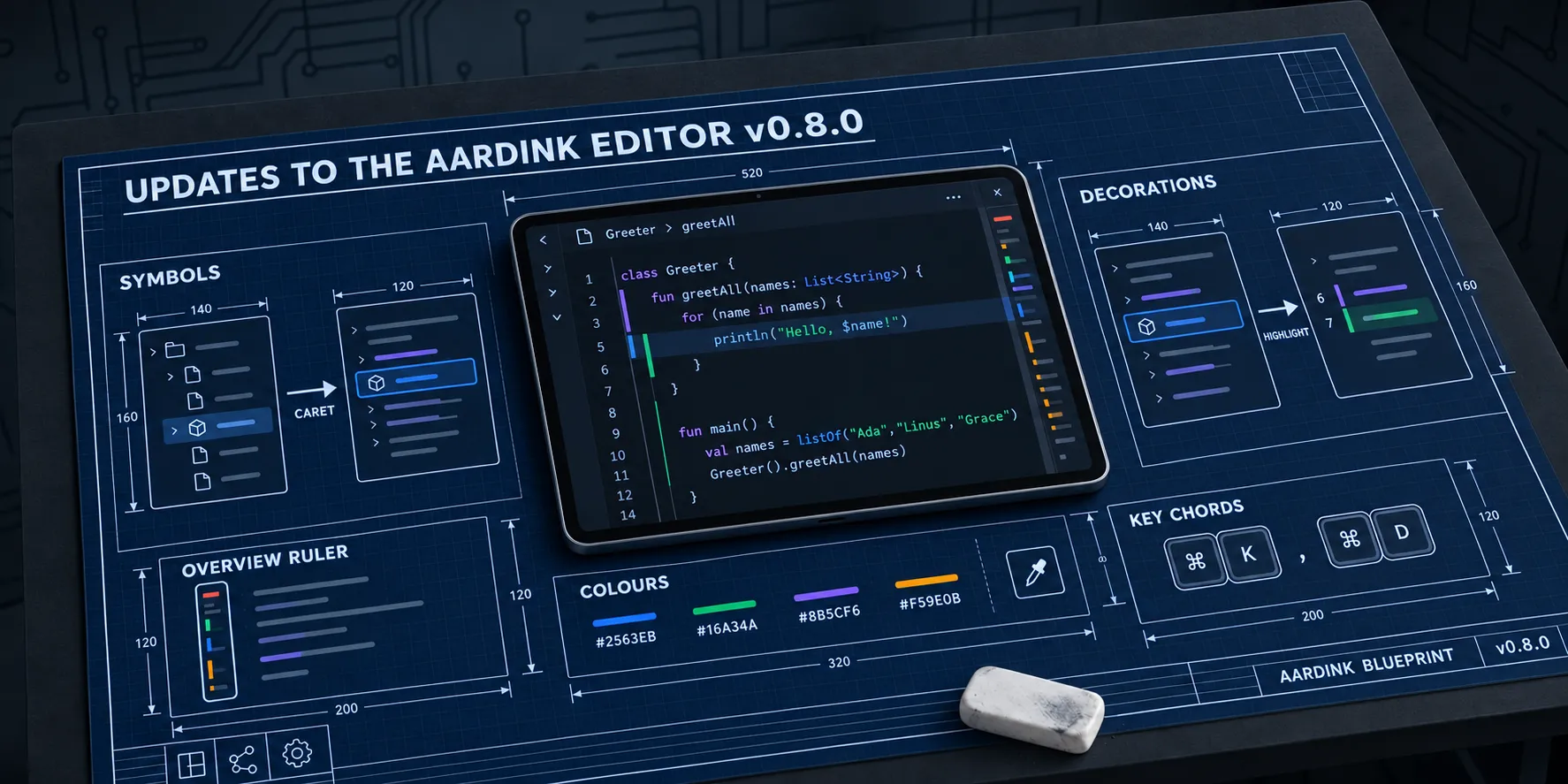
I released Aardink 0.8.0 on 2 November 2026. 0.7 let the app around the editor drive it. 0.8 lets the editor read the structure of the document, and lets the app draw on the text.
Both aardflex apps were missing the same thing: when the caret sits inside a layout element, highlight that element in the preview, and the other way round. Neither could do it without parsing the document a second time. Most of 0.8 falls out of that one feature.
Every new option is off by default, so an upgrade looks and behaves like 0.7.
Upgrading
Two changes break source:
FoldRangehas a fourth property,kind. Destructuring orcopyby position changes.EditorCommandhas 27 new members, so an exhaustivewhenover it needs the branches or anelse.
As with 0.7, every data class and composable that gained a parameter changed its binary signature, so recompile.
Two behaviour changes:
- A bound key whose command can’t run no longer gets swallowed. Ctrl+Z with nothing to undo, or Ctrl+= in an editor that doesn’t zoom, goes on to whatever else wants it, like the browser’s page zoom.
- Ctrl+K (Cmd+K on a Mac) now starts a chord and waits for a second key.
docs/MIGRATION_0.8.md has the detail.
Caret to preview, and back
LanguageService.documentSymbols returns a tree of DocumentSymbols, each with a name, a kind, a range and children.
The built-in XML, HTML, JSON, TOML, Kotlin and Markdown services provide one. CodeEditorState.symbols holds the tree
and moves each range along as you type, between answers from the service.
symbolPathAt gives the symbols around an offset, outermost first. That is the caret-to-preview mapping:
LaunchedEffect(state) {
    snapshotFlow { state.symbolPathAt(state.selection.end) }
        .collect { path -> preview.highlight(path.lastOrNull()) }
}
I planned an onSymbolAtCaretChange callback for this. symbols is snapshot state already, so a callback would have
been a second way to do the same thing. I cut it.
The other direction is decorations. A tap on an element in the preview becomes a highlight in the code:
state.setDecorations(
    "preview",
    listOf(
        Decoration(
            symbol.range,
            DecorationStyle(background = Color(0x332196F3), overviewRulerColor = Color(0xFF2196F3)),
        ),
    ),
)
Each owner’s decorations replace only that owner’s, so the preview’s highlight and an assistant’s change markers live side by side. A decoration can colour the background, a whole line, an underline, a border, a gutter bar, a mark in the minimap and the overview ruler, and carry a hover message. Its range follows edits, the same way diagnostics always have. In fact it’s the same code: diagnostics, decorations, symbols and colour swatches now share one range tracker.
None of it changes a line’s layout, which is why there is no text before or after a range like Monaco’s before and
after. Those need inline layout, and that is 0.9’s job.
Ctrl+Shift+O opens Go to Symbol, EditorOptions.breadcrumbs shows the path at the caret above the text, and sticky
scroll uses symbols over fold ranges when it has them.
The overview ruler
EditorOptions.overviewRuler puts a strip beside the scrollbar with diagnostics, find matches, carets, changed lines
and decorations. Click it to jump there. The minimap marks errors, warnings and find matches as well.
Editing help
occurrencesHighlightmarks the other uses of the word or symbol under the caret.- Shift+Alt+Right and Left expand and shrink the selection, through the service’s
selectionRangesor brackets, strings and lines when it has none. linkedEditingrenames a tag’s closing pair as you type the opening one. Built in for XML and HTML.- Ctrl+click opens a link through
CodeEditorLayout(onOpenLink). Plain URLs work with no service at all.
Colours
colorDecorators draws a bar in the colour under each colour value, and a picker with hue, saturation, value, alpha and
hex. It opens from the hover, the touch menu or EditorCommand.ShowColorPicker. Built in for hex in XML, HTML, JSON,
TOML and CSS.
The plan was a swatch before the value, like VS Code. A swatch changes the line’s width, which is the same inline layout problem as above, so it’s a bar under the text for now. She’ll be right until 0.9.
The XML service reads #AARRGGBB alpha first, the way Android writes it, not #RRGGBBAA the way CSS does. Read the CSS
way, Android’s half-transparent black #80000000 comes out as fully transparent dark red.
Folding
FoldKindtells comments, imports and regions apart.- Region markers fold:
// #regionin Kotlin and TypeScript,<!-- #region -->in XML, HTML and Markdown,/* #region */in CSS,# regionin TOML. A custom language adds them withFoldingProvider.withRegionMarkers. IndentationFoldingProviderfolds by indentation. On the web, a language registered withoutextendsgets it, where it had no folding before.Ctrl+Shift+[and]fold at the caret. Ctrl+K Ctrl+0 folds everything, Ctrl+K Ctrl+J unfolds everything, and Ctrl+K Ctrl+1 to 5 fold to a level.
Keys as data
The keys that run public commands are a list now, EditorKeyBindings.Default, so an app can show them in its own menus.
EditorOptions.keyBindings adds to it and overrides it. A null command removes a binding:
EditorOptions(
    keyBindings = listOf(
        EditorKeyBinding(KeyChord(Key.F, ctrlCmd = true, shift = true), EditorCommand.Format),
        EditorKeyBinding(KeyChord(Key.L, ctrlCmd = true), null),
    ),
)
KeyChord uses Monaco’s modifier names, ctrlCmd for Cmd on a Mac and Ctrl elsewhere, so a binding reads the same in
Kotlin and on the web. KeyChord.parse("CtrlCmd+Shift+F") reads the text form.
Caret movement, typing, the clipboard and a few others stay fixed. They have no command to bind.
0.8 also picks up the rest of VS Code’s keys: join lines, jump to bracket, cursor undo, skip occurrence, change all occurrences, carets at line ends, line and block comments, insert line above and below, select line, scroll by line, sort lines, change case, and trim trailing whitespace. A click on a line number selects the line.
Phones
pinchToZoom zooms with two fingers, and with Ctrl+wheel, Ctrl+=, Ctrl+- and Ctrl+0 on a desktop.
CodeEditorLayout(onFontSizeChange) tells the app so it can keep the size. fontSize, lineHeight and fontLigatures
are options too.
EditorTheme.fromColorScheme(colorScheme, dark) builds a theme from the app’s Material 3 colours, so the editor follows
dynamic colour on Android instead of looking like VS Code dropped into the middle of a Material app. CodeBlock draws
highlighted code with no input and no gutter, for reference screens.
On the web
The npm package gets deltaDecorations and createDecorationsCollection, getDocumentSymbols and getSymbolPathAt,
scroll and viewport calls (getVisibleRanges, getScrollTop, setScrollTop, onDidScrollChange, layout),
setModelMarkers with owners, and two-key chords in addCommand. The new options have Monaco’s names:
editor.updateOptions({ overviewRulerLanes: 3, occurrencesHighlight: true, linkedEditing: true, colorDecorators: true });

editor.onDidChangeCursorSelection(() => preview.highlight(editor.getSymbolPathAt(editor.getPosition()).at(-1)));

const highlight = editor.createDecorationsCollection();
highlight.set([
  {
    range: { startLineNumber: 6, startColumn: 1, endLineNumber: 7, endColumn: 1 },
    options: { isWholeLine: true, backgroundColor: "#2e7d3233", overviewRuler: { color: "#2e7d32" } },
  },
]);
One difference bites if you port Monaco code. Monaco styles a decoration with a CSS class. The editor draws to a canvas,
so there’s nothing to put a class on. Give it a colour instead: backgroundColor, borderColor, underlineColor and
gutterColor take CSS hex.
registerLanguage takes provideDocumentSymbols and provideDocumentColors. If you build your own wasm module from
the export template, copy the new one. The npm package needs nothing.
Known limitations
-
A disposed editor still leaks about 320 KB. 0.8 is still on Compose Multiplatform 1.12.2, and the fix waits for 1.13 to go stable.
-
Nothing that changes a line’s layout: no text before or after a decoration, no swatch before a colour.
-
The browser needs WebAssembly GC: Chrome or Edge 119, Firefox 120, or Safari 18.2.
0.9 is about language depth: the rest of LSP, Markdown in hover, and the inline layout that inlay hints, ghost text and the missing decorations need.