Buying an ergonomic keyboard
Part one was about how the sensible ergonomic keyboard disappeared from the shop shelf. This is the part where I went looking for one anyway.
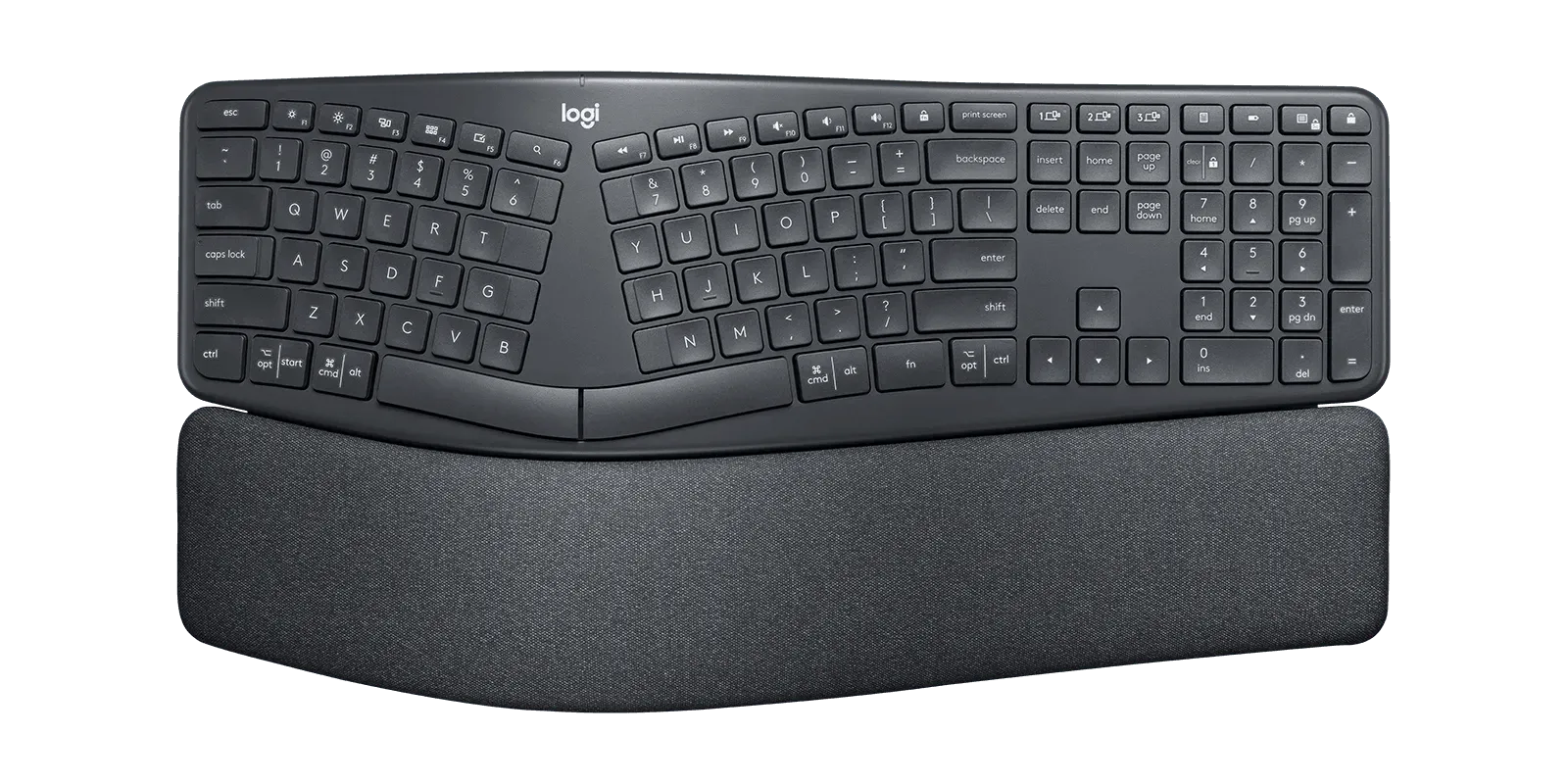
My daily driver for years has been the Logitech Ergo K860. Reliable, boring in the best sense, and with a keystroke lifetime that is not all that impressive. I have churned through several in a row, and the latest one gave up the other week. Time to try something sturdier.
The problem was not simply that I wanted a new keyboard. I needed one that solved three problems at once.
What I need
My needs are fairly pedestrian:
- No gaming.
- No flashy lights or effects.
- Full size, with an F2 key to rename things and an F5 key to run queries in SQL Server Management Studio.
- At least three concurrent connections, because I work across two to four machines at any given time.
- Decent connection management, ideally a dongle so I am not relying solely on Bluetooth.
The multiple machines come with being a consultant. On any given day I switch between my own machine, my consulting organisation’s machine for internal work, and one or two client machines for project work. The Logitech handled that fine with its multi-device support over Bluetooth or a dongle.
One more constraint matters more than it should: most clients hand out fully locked-down laptops. No extra software, no random drivers for edgy keyboards. I do not want a keyboard that needs a support call from the IT team just to stop the backlight from being a disco.
That is the real test. A keyboard can be ergonomic and still be wrong if it demands a software stack on every machine I plug it into.
The Razer Pro Type Ergo
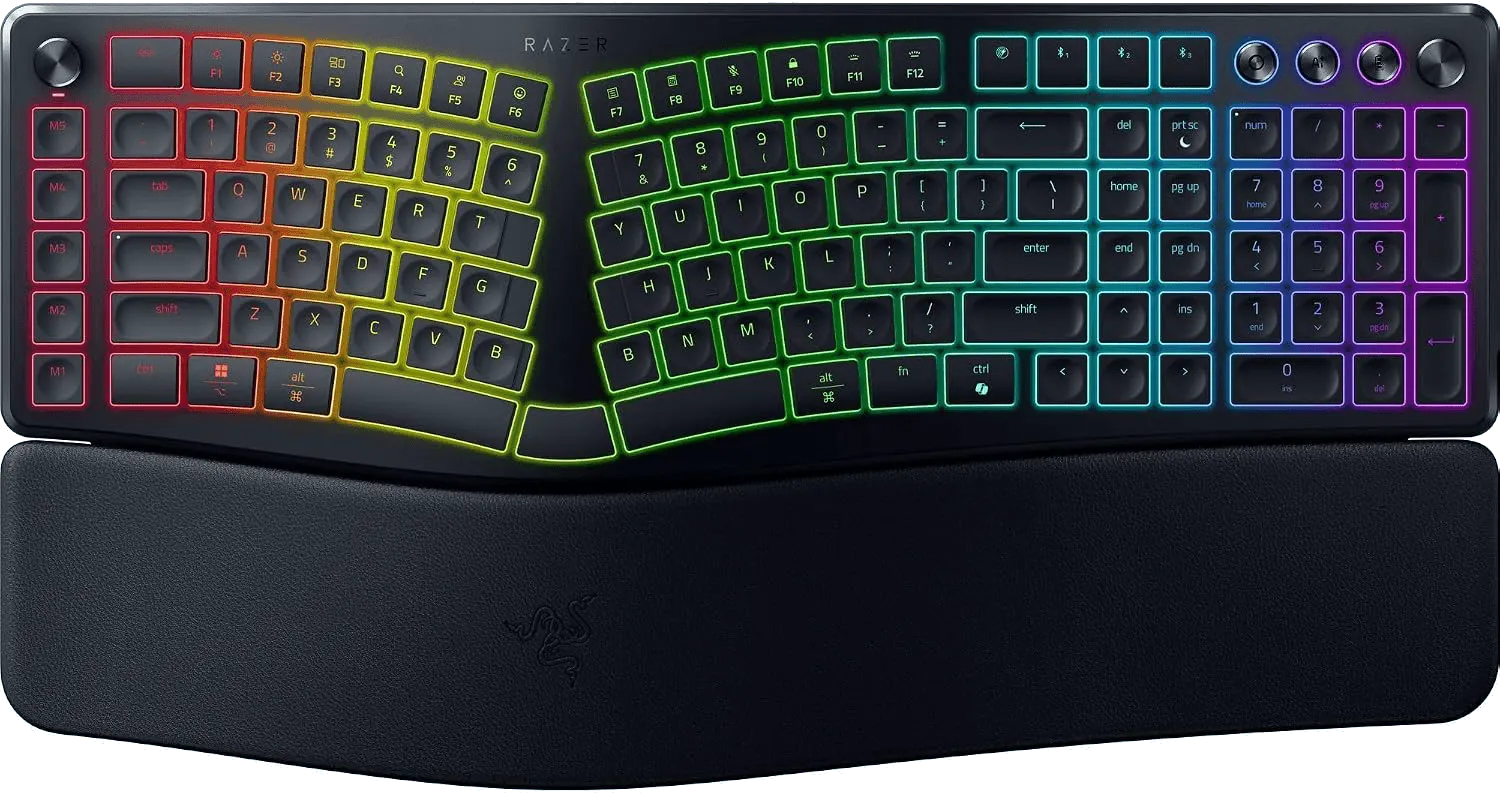
The first candidate was the Razer Pro Type Ergo. It looks impressive at first glance, and it is more than full size: a column of programmable macro keys, a volume knob, three space bar segments, and two b keys, one for each hand. The works.
Despite the mechanical heritage, the keys are membrane rather than true mechanical switches. I do not mind. The shorter travel, quieter typing, and overall comfort make up for it.
The feature I like most is the feet. They tilt the keyboard downwards at the front instead of upwards at the back, so the wrists sit in their natural position instead of being bent up. For an ergonomic keyboard, that is the whole point.
The catch is that it needs two separate applications installed just to control the lighting. That is fine on my own machines. It is a tall ask on client work. “Hey team, I’ve got this gaming keyboard that needs these two apps installed so the backlight stays one colour.” Not a conversation I want to have.
A software update from Razer broke Bluetooth entirely. That was enough. It was a good keyboard in the wrong way, and I was done with it.
The VIA situation
Modern keyboards have a laundry list of features, often configured through VIA. It remaps keys, builds macros, and sets lighting from a browser, with no vendor software to install.
The important bit is that the configuration lives in the keyboard, not on the machine it happens to be plugged into. Set it once and it follows the keyboard everywhere.
The Razer does not support VIA. It relies on Razer’s own software, so every machine it connects to needs that software to tell the keyboard what to do. Need a key combo for a task? Program it on each machine. Razer software broken by a Razer bug? You are out of luck.
That was the lesson. The next keyboard had to support VIA, so it would work across all my machines without vendor software on each and every one.
The sad part is that my real customisation need is stopping the backlight from cycling colours. I just want it white all the time. A lot of engineering went into fancy effects, and all I do is try to make them stop.
The Alice situation
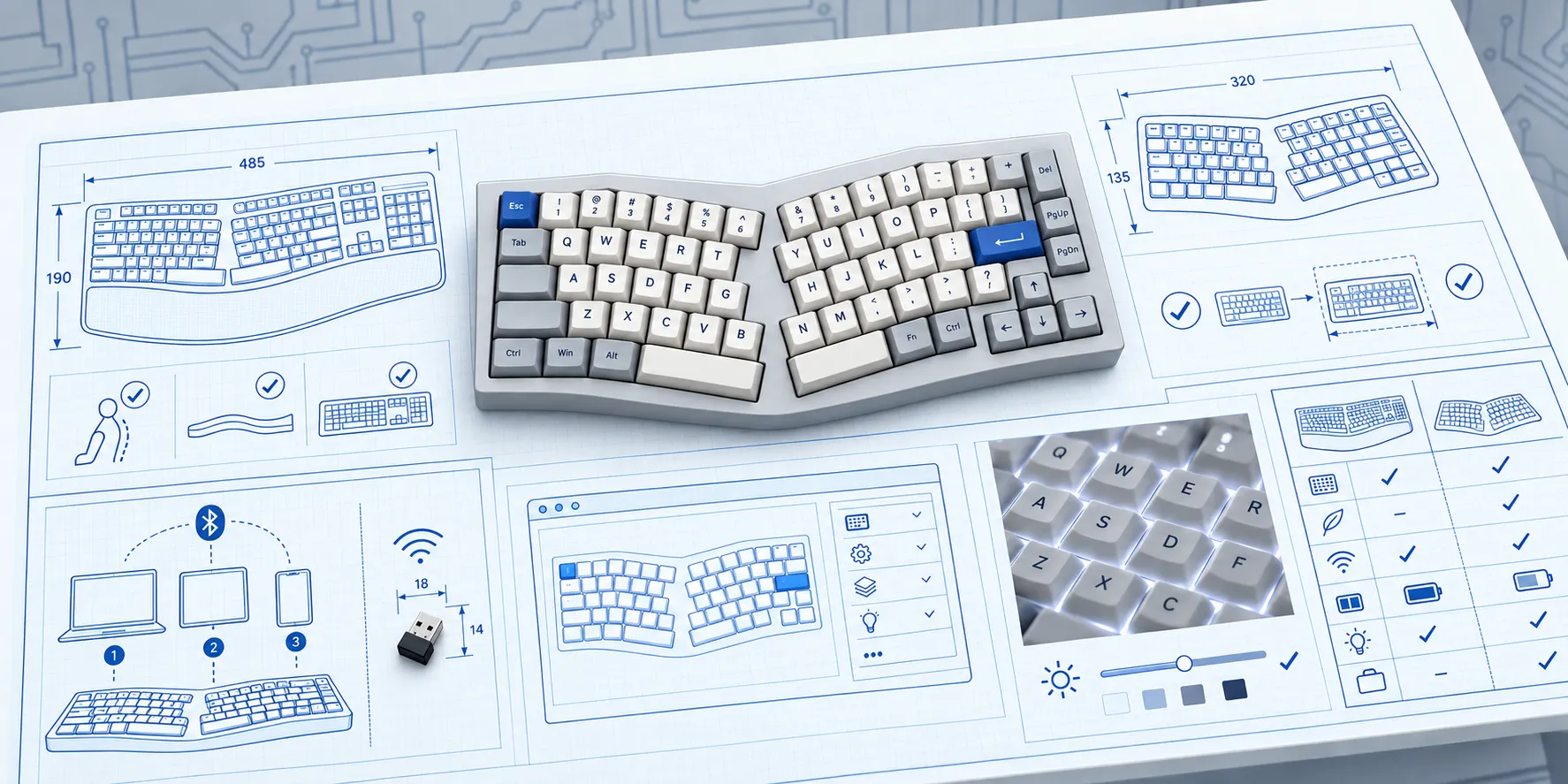
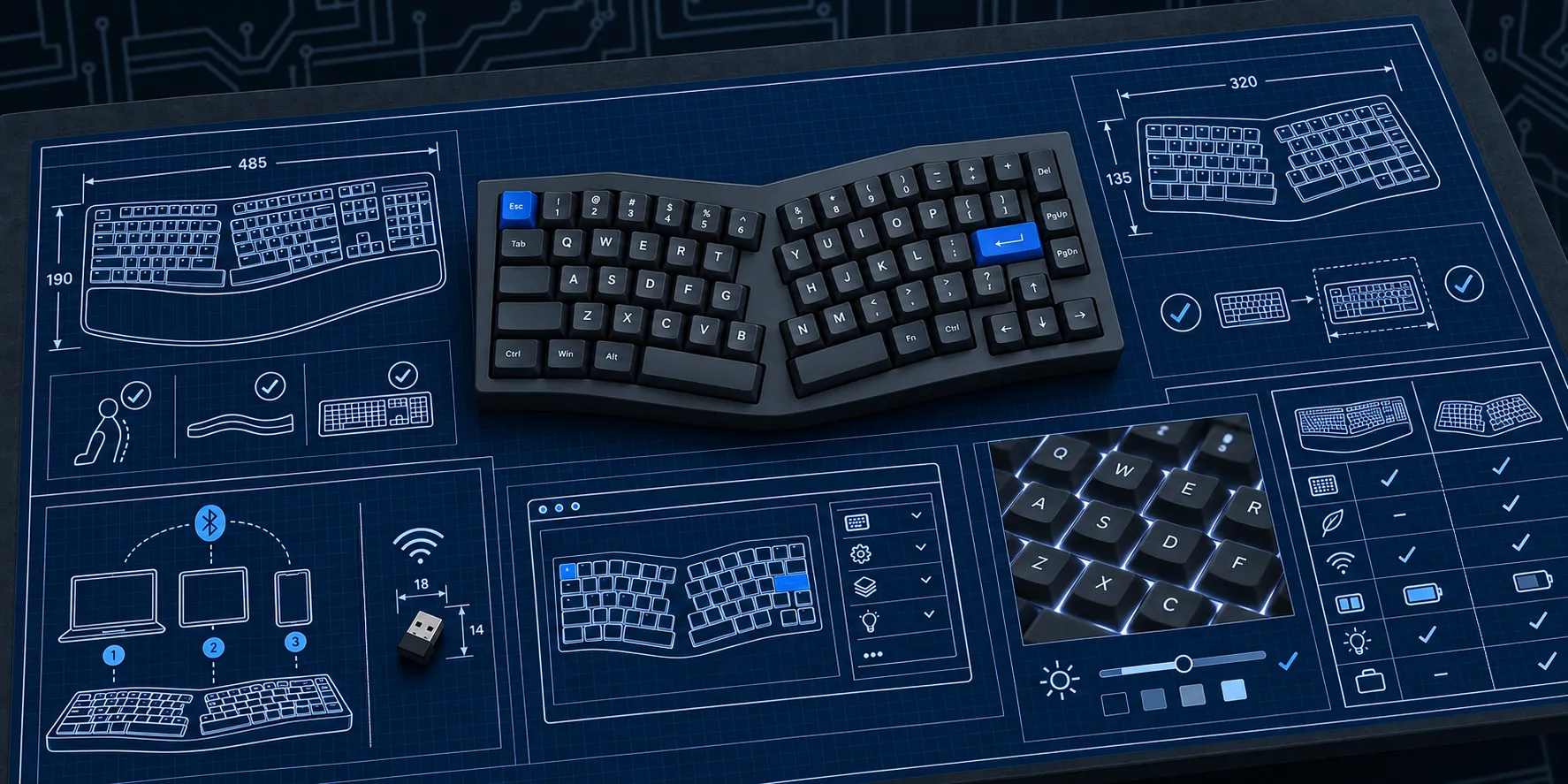
The ergonomic keyboard concept was apparently forgotten for years, then reinvented in 2018 for mechanical keyboards under the name Alice. Searching for Alice keyboards narrows the field to boards that are actually for sale and meet the requirements: wireless, and VIA support.
Feker Alice98
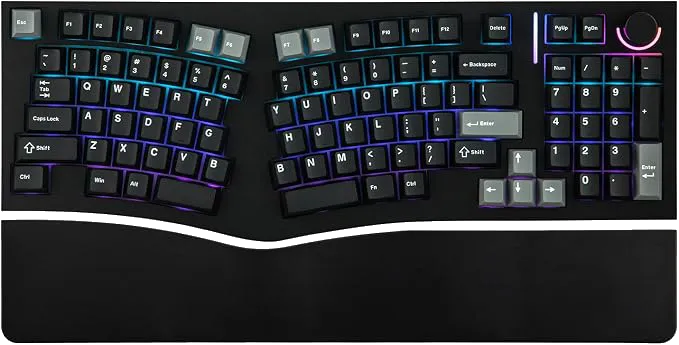
The only Alice board I could find that was both full size and in stock was the MechLands Feker Alice98. It is comfortable to type on and the mechanical keys give satisfying tactile feedback.
Then a bit of a bugger. I did not read the listing carefully enough and ordered the A98, not the A98 Pro. The A98 is wired only. No wireless at all, which was the one thing I was after.
Alice boards in particular ship in near-identical wired and wireless variants with barely distinguishable listing photos. If wireless is a hard requirement, verify it in the spec sheet, not the product photo.
Royal Kludge A72
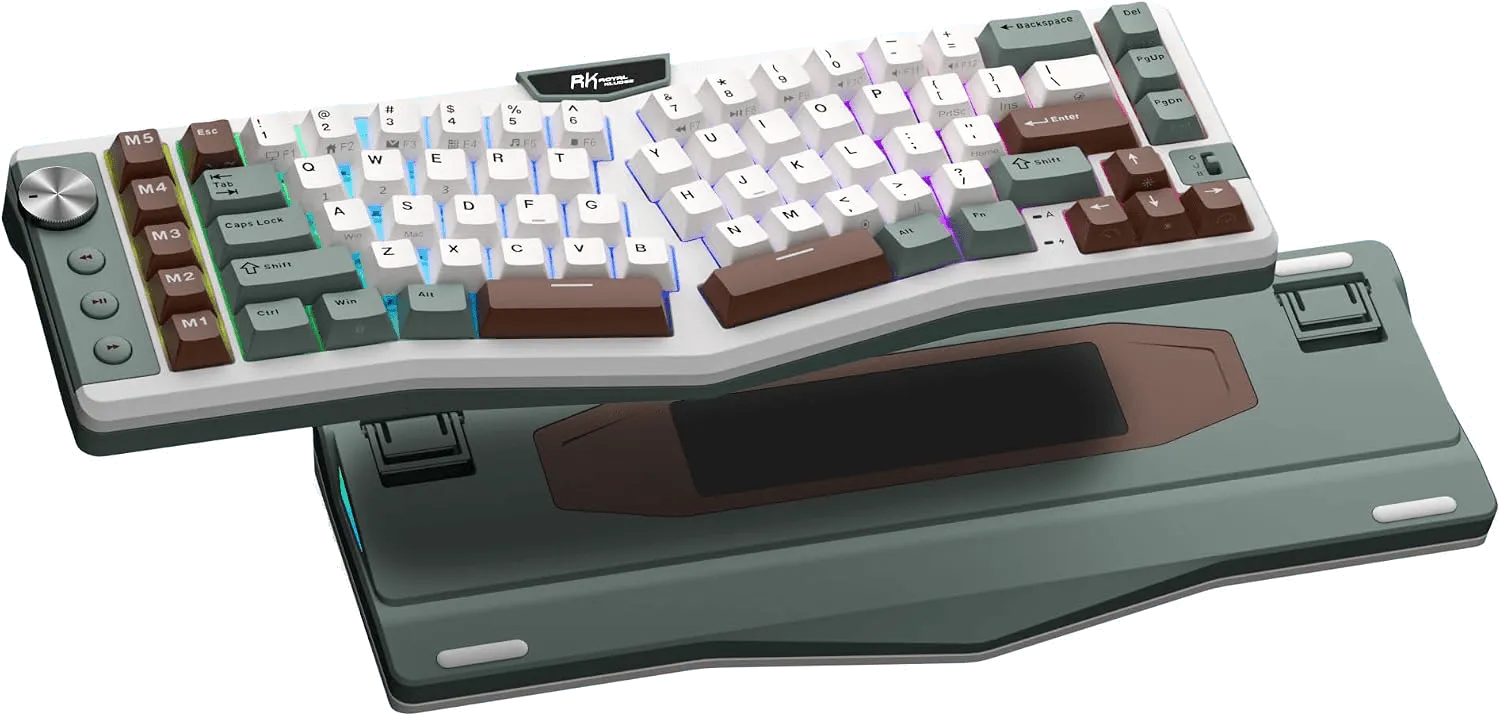
The Royal Kludge A72 is another Alice board, compact with the slightly rotated split. It has no F-key row and no numpad, but keeps enough of the other keys that it does not feel crippled. It is configured through Royal Kludge’s own VIA-style web app, so the settings live in the keyboard and nothing needs installing on the client machines.
A clear benefit of the smaller board is that the hand travels less between keyboard and mouse. Less travel, less shoulder strain.
The missing function keys might even be an upside. I am slowly moving away from pressing F5 to run a query in SSMS. More and more of my work is in tools like the Fabric design experience, where F5 reloads the page instead of doing what I wanted. That has thrown me off many a time. If there is no key to press, maybe my muscle memory can finally adapt.
The verdict
I do not want a keyboard with a personality. I want one that behaves the same wherever I plug it in and lets my wrists stay in a sensible position while I work.
The Razer got the ergonomics but failed the client-laptop test. The Alice boards got the form factor but failed the practical requirements. The Royal Kludge A72 is not perfect. It is smaller than I wanted, it skips a full F-key row, and there are a few things I would still prefer to keep. But it is the closest match to how I actually work: wireless, compact enough to live on a desk without taking over the whole thing, configured in the keyboard, and not dependent on random software on locked-down machines.
This is the one I would buy. If I can live without that F-row, it is the least bad compromise by a clear margin.