
Updates to the Aardink editor v0.9.0
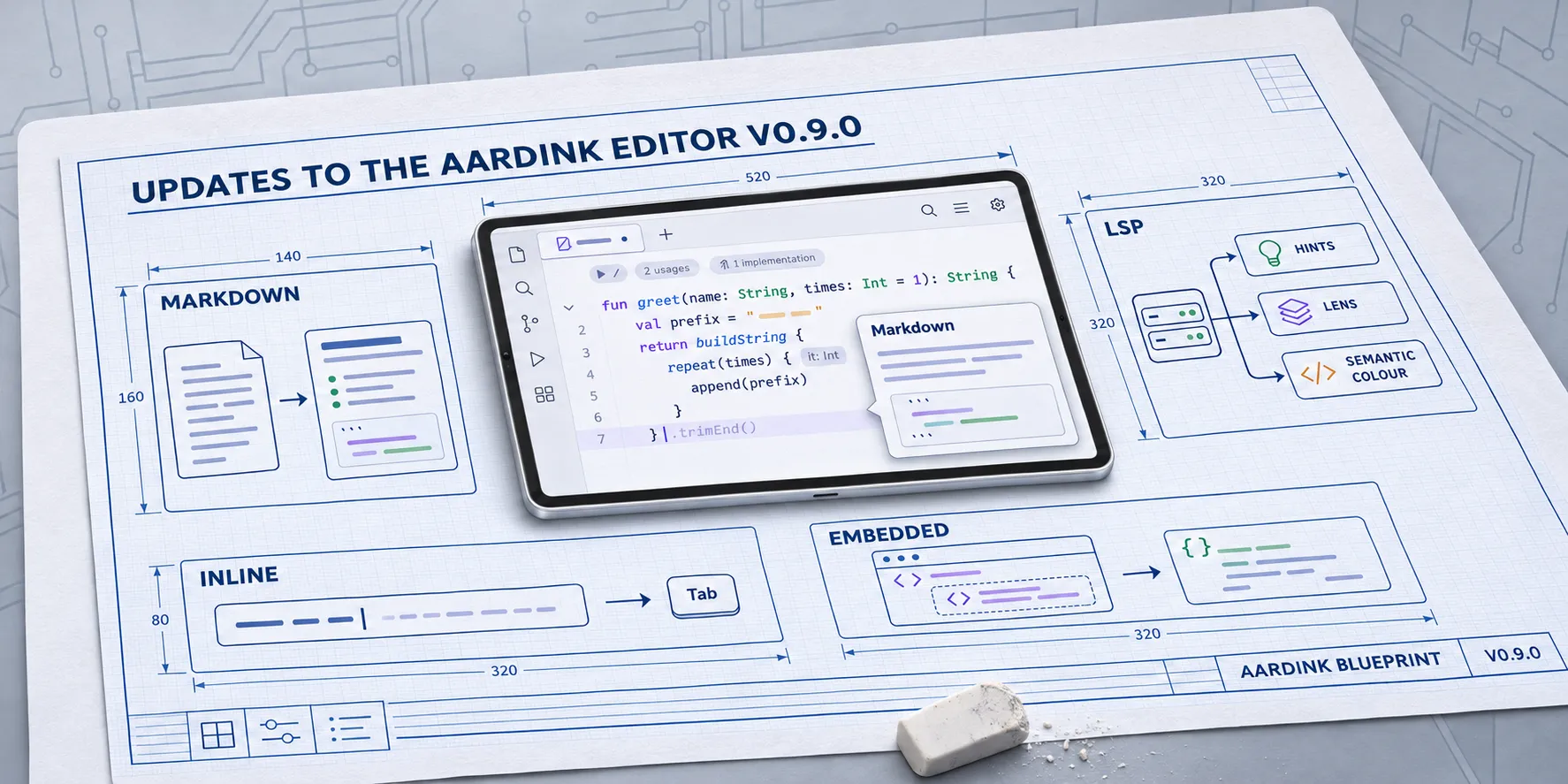
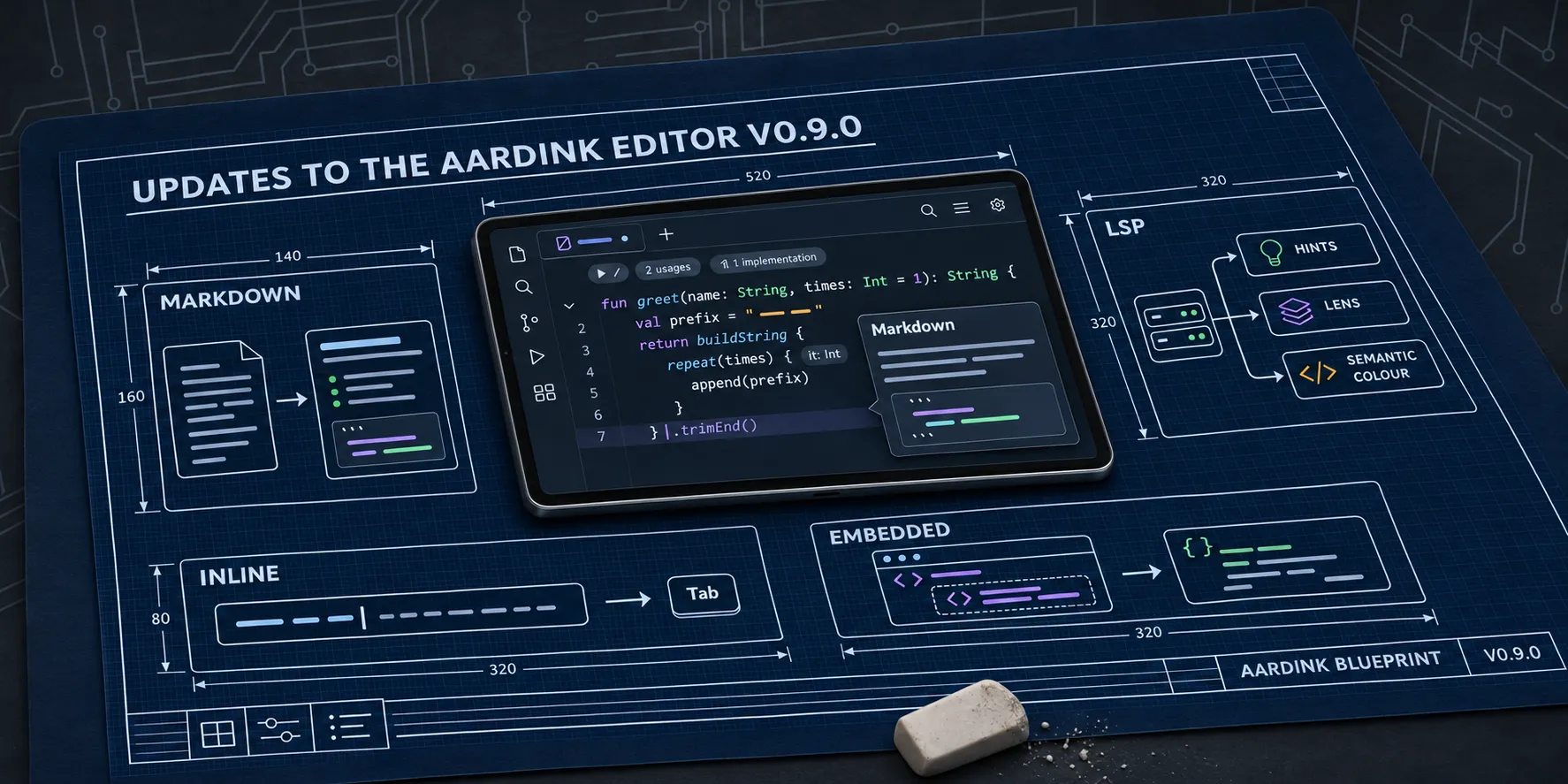
I released Aardink 0.9.0 on 8 November 2026. 0.8 taught the editor about a document’s structure and let an app draw on the text. 0.9 fills in what a language, a language server, or an assistant can put inside and around that text.
That means Markdown documentation, inlay hints, code lens, semantic highlighting, and inline completions. The language
server client now drives all of them, along with most of the rest of the protocol. Grammars can embed other grammars,
and a VS Code language-configuration.json can give a grammar-only language its editing behaviour.
Every new option is off by default. An editor upgraded from 0.8 looks and behaves as it did before.
Upgrading
There are four source traps:
- Documentation strings are Markdown now. A literal
*or_may need escaping, and a single newline reads as a space. Documentation is cut after 10,000 characters. EditorCommandhas three inline-completion commands, so an exhaustivewhenneeds branches for them.- Some Monarch grammars parse differently. In particular,
$in a token name is now refused, guard keys beginning with~,!~,==,!=, or!@are operators, and an@nameregex attribute expands as a group. - A trailing lambda for
CodeEditorLayoutorWebLanguageProvidersnow lands on a new parameter. NameonFontSizeChangeordocumentColorsexplicitly.
Several data classes and composables gained defaulted parameters, so source normally stays the same but compiled code
needs a recompile. A LanguageService or FoldingProvider compiled against 0.8 still runs because their new methods
have JVM defaults.
docs/MIGRATION_0.9.md has the full list and the
before-and-after examples.
Documentation is Markdown
Hover, signature help, completion documentation, and XML schema documentation now render Markdown. That includes code
blocks highlighted in the editor’s own colours. On a desktop, selecting a completion opens a detail pane beside the
list, and resolveCompletion can fetch the expensive parts only when somebody asks to see them.
Links go through CodeEditorLayout(onOpenLink). The hover card stays for 300 ms after the pointer leaves its symbol,
and remains while the pointer is over the card, so there is time to reach a link or Quick Fix button.
For tagged code fences, the host decides which tokenizer handles each language:
CompositionLocalProvider(LocalCodeFenceTokenizers provides { registry.byId(it)?.tokenizer }) {
    CodeEditorLayout(state)
}
The web editor gets that registry from the language it was mounted with. Raw HTML stays text, images are not fetched, and links only open when a host provides a handler.
Text that is not in the document
0.8 deliberately kept decorations out of line layout. A decoration could paint over text, but it could not put a colour swatch before it or an annotation after it. 0.9 has the layout machinery for that.
- Inlay hints put parameter names, inferred types, and other small annotations between characters.
DecorationStyle.before,after, andinlineColorlet an app add its own text and colours.- Code lens adds a row above a line. Several lenses on one line share the row.
- Semantic tokens colour symbols by meaning over the grammar’s syntax colours.
- Inline completions show ghost text at the caret, including suggestions that run over several lines.
All five are opt-in. Inlay hints, code lens, and semantic highlighting are editor options. Ghost text needs an
InlineCompletionProvider on CodeEditorLayout:
CodeEditorLayout(
    state = state,
    inlineCompletionProvider = InlineCompletionProvider { document, offset ->
        assistant.suggestions(document.text, offset)
    },
)
Tab accepts a suggestion, Alt+] and Alt+[ move through the offers, and Escape dismisses them. The same actions are
public EditorCommands, so a phone toolbar can run them without a hardware keyboard.
Code lens has one detail I like. A lens with a blank title reserves its row and is resolved only when it comes on screen. The document does not jump as rows appear above the viewport, and an expensive language server does not need to resolve every lens in a large file up front.
More useful grammar-only languages
LanguageConfiguration.parse(json) reads VS Code’s language-configuration.json. Comments and trailing commas are
fine. Give the result to LanguageDefinition.withConfiguration, and a grammar-only language gets closing pairs,
selection surrounding, indentation, onEnterRules, comments, and folding markers without a custom service.
The Monarch subset also gained state switching, group references, brackets, full guard operators, and nextEmbedded. An
HTML-style grammar can hand a script block to JavaScript and a style block to CSS, then take over again at the closing
tag:
val tokenizer = DeclarativeTokenizer(grammar) { languageId -> grammars[languageId] }Embedded grammars can nest 16 deep. That should be enough for anything sensible, and probably enough for a few things that are not.
Language servers drive the editor
The 0.8 client could ask for completions, hover, formatting, diagnostics, code actions, definitions, references, signature help, and rename. It was useful, but the host still had to keep the server in step and several editor features had no protocol bridge.
LspLanguageService.attach(state) now sends didOpen and incremental didChange messages in editor order. It also
adds document symbols, highlights, selection ranges, linked editing, document links, colours, folding, resolved
completions, type definitions, implementations, declarations, inlay hints, code lens, semantic tokens, and pull
diagnostics.
The client declares real capabilities during initialize and sends a request only when the server declared or
registered support for it. A server can therefore send Markdown hover, snippets, and completion details without the host
pretending it understands less than it does.
LspClientHost handles the other direction: messages and progress from the server, showMessageRequest,
workspace/applyEdit, and renames that touch other files. The default host refuses workspace edits. That is safer than
applying the current file and quietly dropping the rest.
Folding now goes through the suspend function requestFoldableRanges, so a folding provider can wait for the server. It
runs after typing pauses for 200 ms instead of on every key.
Language servers in the browser
The web package can connect a language to a server over WebSocket:
import { connectLanguageServer } from "@aardarch/aardink-web";

const server = await connectLanguageServer("wss://example.test/lsp", "kotlin");

// Later
server.dispose();
Every editor using that language follows the connection. A built-in language remains underneath the server, so local typing behaviour such as closing pairs and indentation still works. A registered language and anything it extends run before the server; built-in answers run after it.
The browser also opens Ctrl/Cmd+clicked URLs and Markdown links in a new tab. Only http and https open by default.
editor.onOpenLink(listener) takes control when the host needs a different policy.
The web bridge has a cost even when it is unused. aardink-web.wasm is 486 KB larger than 0.8.0, or 145 KB larger
gzipped. The full file is 5.5 MB, or 1.7 MB gzipped. skiko.wasm did not change.
If you build a wasm module from Aardink’s export template, copy the new template. aardinkRegisterLanguage now takes
one dispatcher instead of a callback per provider. Users of the npm package do not need to change their providers.
Two fixes that matter
The built-in regex tokenizers did far too much work after an edit. On a 5,000-line Kotlin file in the browser, a partial pass took about 75 ms, often fell back to a full pass, and held the page for about 230 ms on each key. The same partial pass now takes about 2 ms.
Disposing a web editor also disposes its Compose window and returns its WebGL context. Previously each disposed editor kept about 320 KB and one of the browser’s limited WebGL contexts. After 16 of them, Chrome started dropping the oldest context. That leak is gone.
The remaining rough edge is scale. Semantic tokens and code lenses from a server are requested for the whole document on the web. Both are off by default, and typing still appears within 6 ms, but a large answer can hold the browser while it is parsed. Viewport-sized requests are work for a later release.