Responsible AI and the HSC
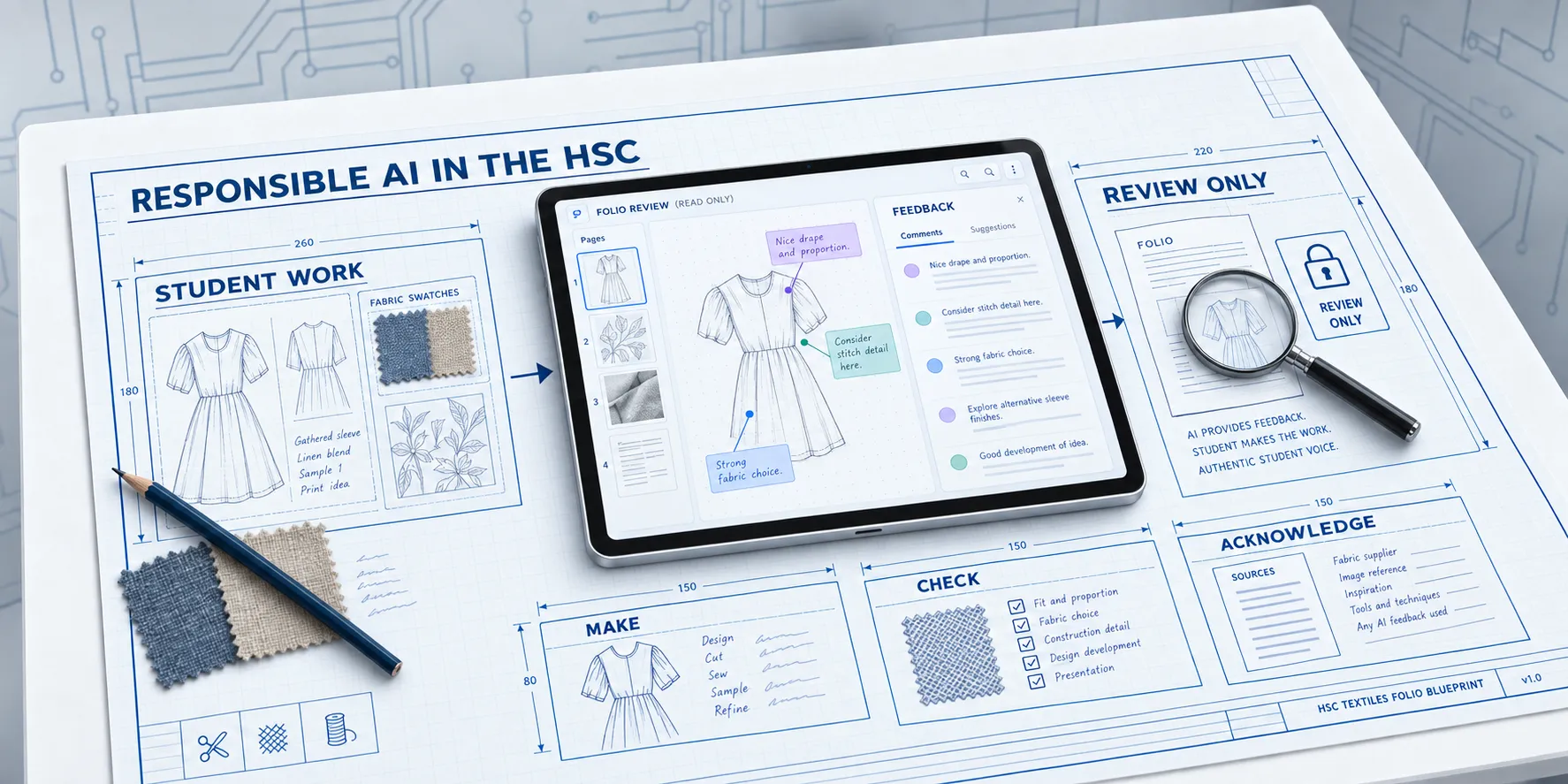
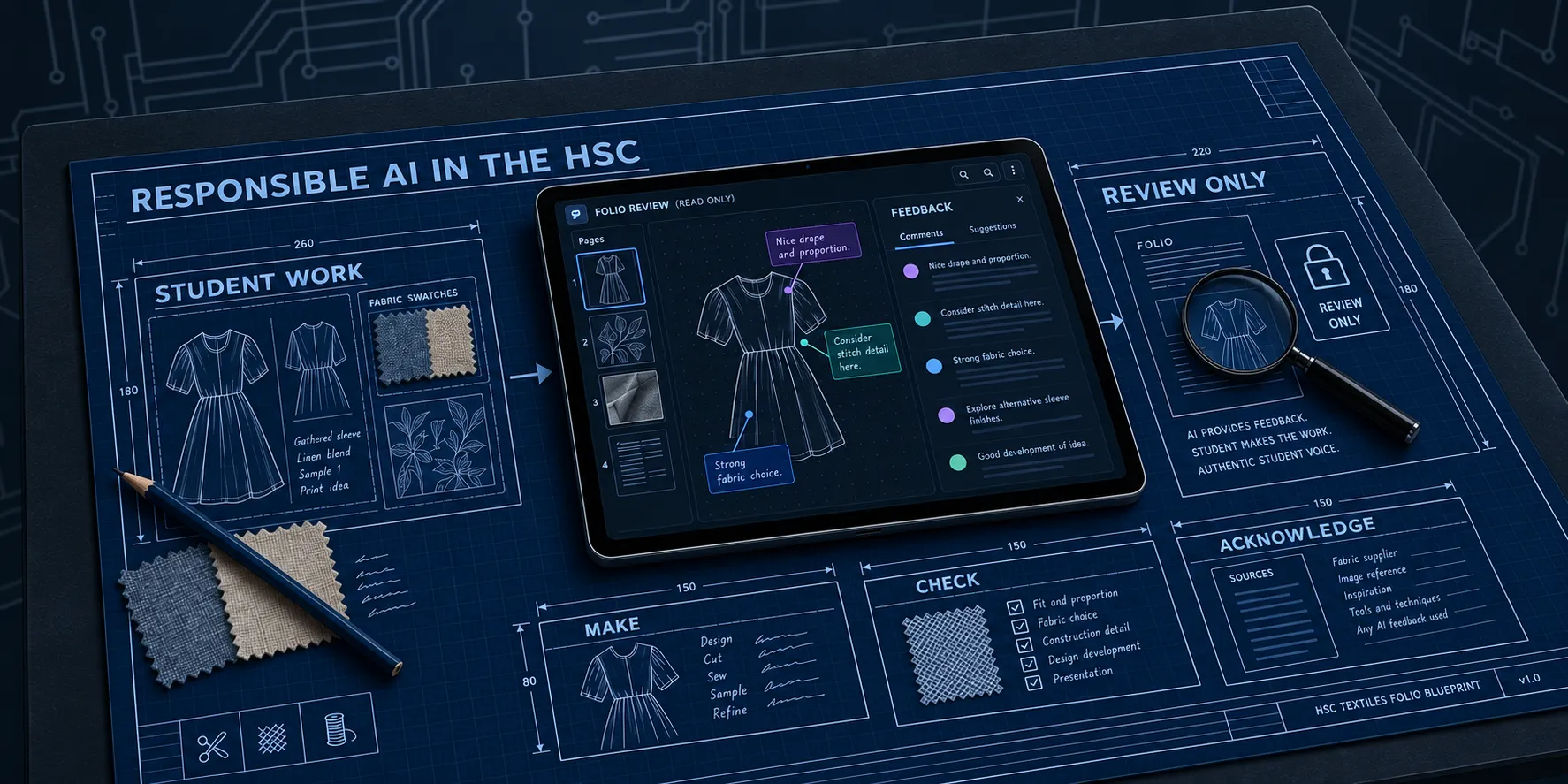
Every Year 12 student with a major work has the same question in the back of their mind. AI tools are everywhere, so what am I allowed to use them for? NESA’s answer is short, and the hsc-major-work-example repository is built around it.
What NESA says
NESA’s rules for HSC submitted works say that all work presented for assessment must be the student’s own. Students must acknowledge all source material, including AI output. Unapproved AI use is a breach of academic integrity and is handled under the malpractice rules. NESA’s All My Own Work program has covered ethical AI use since Term 3 2024. The rules are on NESA’s artificial intelligence page.
For a Major Textiles Project, the repository reads those rules in three parts, recorded in section 6 of nesa-marking-facts:
- AI may help a student check their work against the published criteria. The marks still reflect the student’s own knowledge and capability.
- Prose, drawings, samples, experiment results, and photographs presented as evidence must be the student’s own work. Saying that an AI made them does not turn them into evidence of what the student can do.
- Any AI help that shaped the submission is acknowledged the way NESA and the school require.
The AI marks, the student makes
The repository takes that first point and builds a working example of it. An AI agent called the NESA Assessor reads an exported folio PDF the way a marker holding the printed page would. It places each section in a mark range and points at the evidence that holds a mark back. It does not make anything that goes on a folio page.
The rule is written down in folio-marking-notes. An agent working on a real student’s folio may:
- read and measure the exported PDF: page count, text size, image sizes, scales, and totals
- quote the NESA descriptor a section is judged against and say which dot point the evidence meets or misses
- point at the page, caption, number, or missing mount that holds a mark back
- say what evidence would lift a section to the next range
- check spelling, punctuation, page limits, and cross-references
It must not:
- write the folio prose, or rewrite it beyond pointing out what a sentence claims without evidence
- draw the sketches, production drawings, or pattern pieces
- invent experiment methods, results, measurements, or conclusions
- generate images and present them as the student’s samples, swatches, or photographs
- decide the design
That is the difference between using AI as a marker and using it as a ghostwriter. The first teaches you what a marker looks for. The second takes the work, and the marks, away from you.
Feedback grounded in the real criteria
AI feedback is only as good as the rules behind it. A chatbot asked “is my folio good?” answers from whatever it half-remembers about textiles folios. The assessor answers from two files it must read in full before it opens the PDF:
- nesa-marking-facts holds what NESA marks, the mark ranges quoted word for word from the 2024 marking guidelines, the page rules, and a dated list of NESA sources. The facts were last checked against NESA’s pages on 22 September 2026, and the agent is told to check them again if a rerun is more than a term later.
- folio-marking-notes holds how a mark is placed, the evidence rules, and the rerun procedure.
The facts file also lists what NESA does not require. A lot of folio advice passed between students is habit, not rule: two experiments per area, hand-drawn sketches only, coloured sketches, a separate bibliography page. None of those are in the published criteria, and the assessor is told not to take marks off for them. Feedback that stops you chasing a rule that does not exist is worth as much as feedback that finds a real fault.
Every mark the assessor gives quotes the dot point it depends on. You can check its reasoning against the marking guidelines yourself, and so can your teacher.
Guardrails you can see
Telling an AI “do not write the folio” is an instruction. Instructions can be ignored. In the repository the boundary is
also enforced by the host where it can be. In Claude Code, a hook runs before every file edit the assessor tries to make
and denies any write outside build/reviews/. The agent can write its review and nothing else. You can test the guard
by hand:
python .agents/skills/get-nesa-grading-rules/scripts/review_guard.py --path build/reviews/x.md
python .agents/skills/get-nesa-grading-rules/scripts/review_guard.py --path docs/x.md
The first command passes and the second is refused.
The agents page compares how Claude Code, GitHub Copilot, and Codex each apply the boundary, and where a host can only ask the agent to follow it. Knowing the difference between a rule an agent follows and a rule a system enforces is useful well beyond the HSC.
What responsible use looks like in practice
- Ask your teacher whether AI feedback against the criteria is approved for your school’s process, before you start.
- Make everything yourself: the research, the sketches, the samples, the experiments, the photographs, and the words.
- Use the assessor to check the exported PDF against the criteria, and apply the fixes yourself.
- Acknowledge the AI assistance on the Major Textiles Project Cover Sheet, and wherever else your school asks.
- Treat the result as a self-assessment, not a prediction. The review estimates the folio’s 25 marks only. It never estimates the textile item, and it never judges authenticity.
A note on the example folio
The folio in the repository, “The Raven’s Ledger”, is fictional. Its plates were generated and its numbers invented to build the example, which is fine here because nothing in it is ever submitted. It shows the workflow, not work to copy. A student following the workflow replaces every generated plate and every invented result with their own work.