

Updates to the Aardink editor v0.5.0: the same editor in a browser
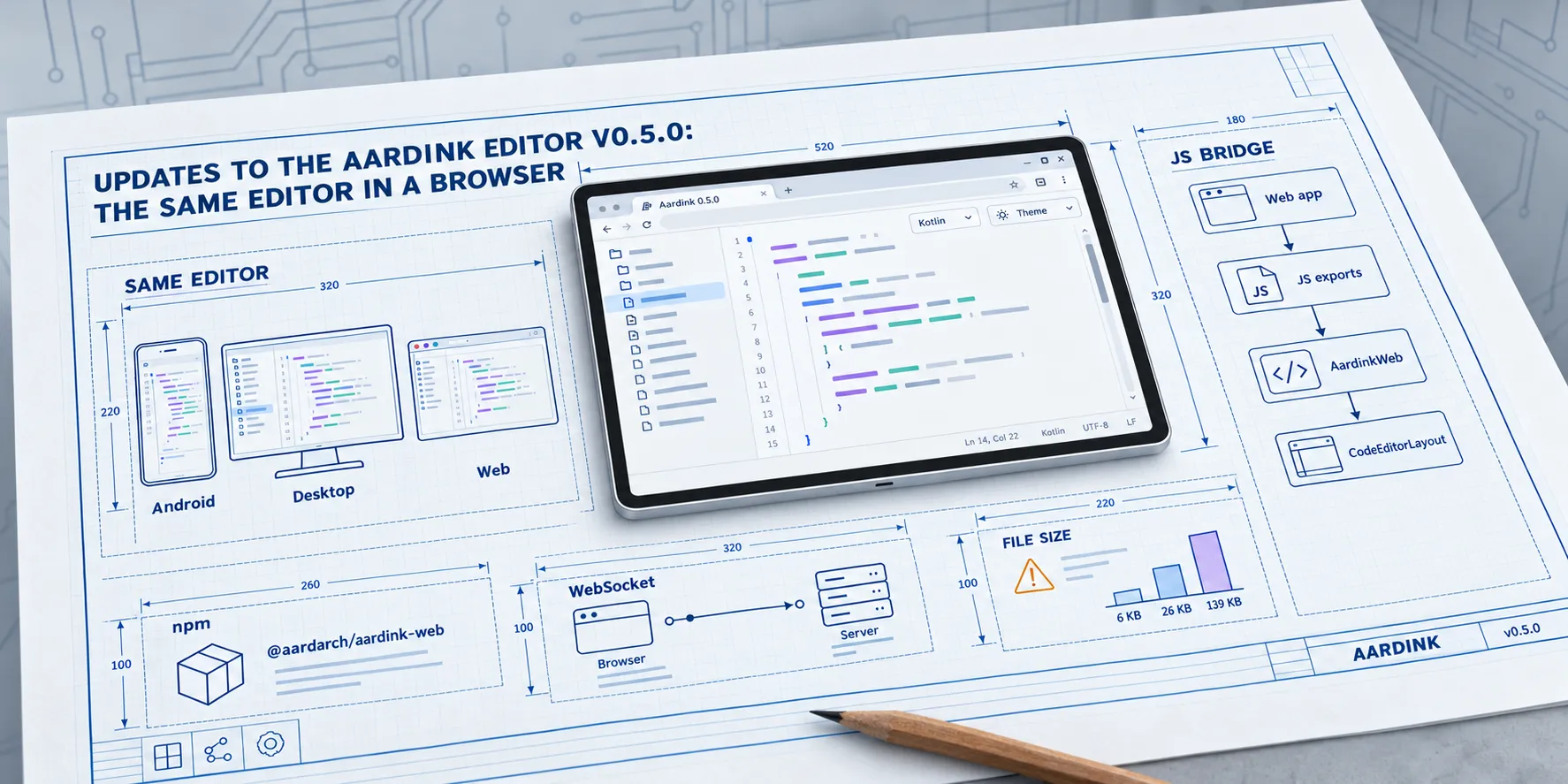
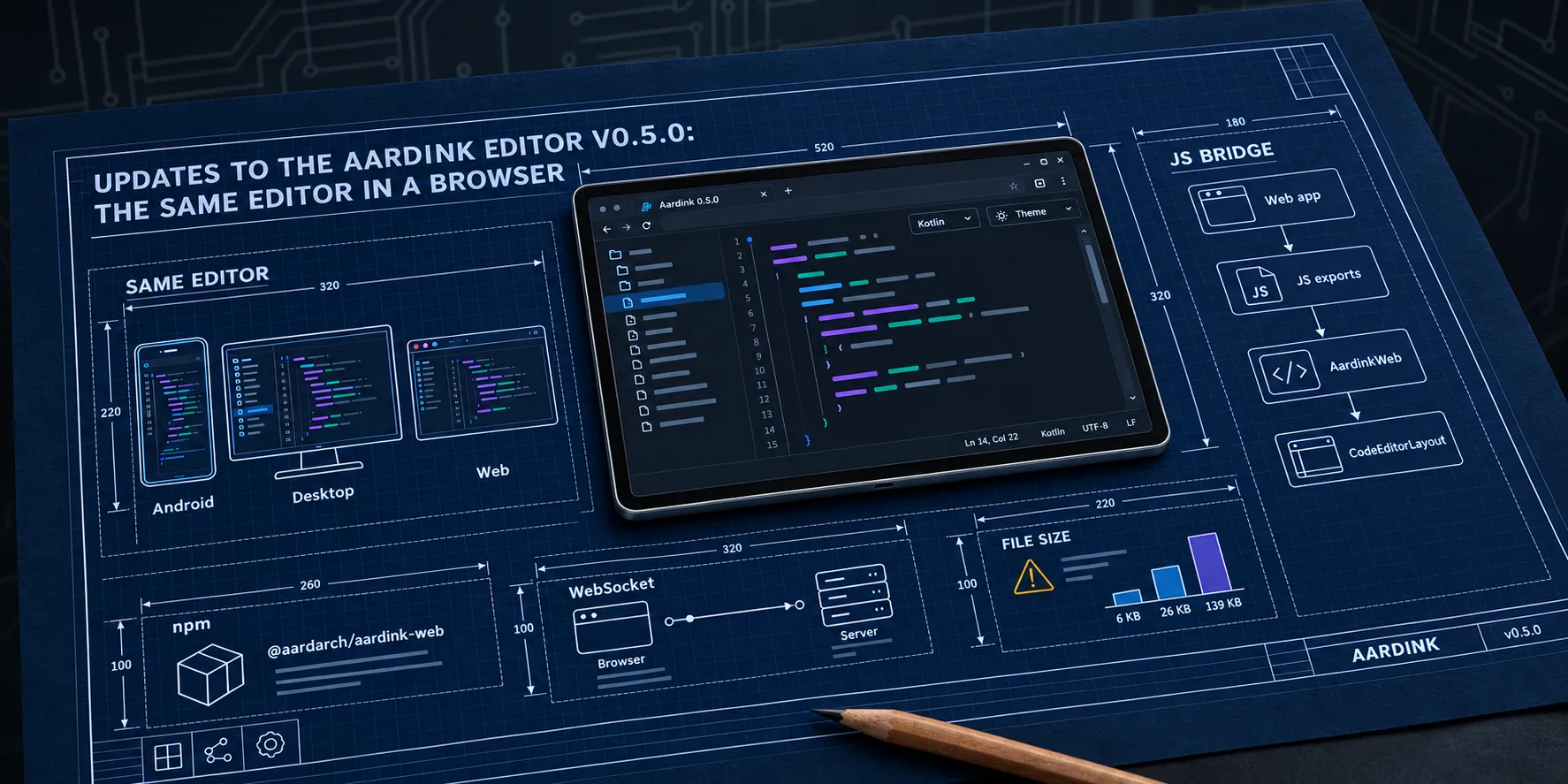
The 0.4.0 post was about what the editor could do: proper language services for the built-in languages and a bridge to a real language server. All of it on Android. Version 0.5.0 is about where it runs. I released it on 27 September 2026, and the same Compose code now runs on Android, on the desktop, and in a browser.
Part 2 and part 3 of this series covered how the code got there. This post is about what you get, and where it falls short.
Upgrading on Android
If you only use Aardink on Android, change the version number and you’re done:
implementation("com.aardarch:aardink:0.5.0")Each library now publishes one artifact per target, and Gradle picks aardink-android for you. kotlinx.coroutines has
worked this way for years. The public API only grew.
The one catch is binary, not source. CodeEditorLayout gained a parameter, and the Compose compiler puts every
parameter in the JVM signature. Code compiled against 0.4 has to be recompiled. No source changes.
The new pieces work on every platform:
EditorTypographyandLocalEditorTypography. The editor’s font is provided now, not hardcoded.- Hardware keyboard shortcuts: undo and redo, find, replace, go to line, and Tab and Shift+Tab to indent.
- Scrollbars on desktop and web.
KeyboardToolbarPlacement.platformDefault, so the keyboard toolbar sits where the platform expects it.WebSocketLspTransport, for talking to a language server from a browser.
EditorThemeParser also changed. It parsed themes with org.json, which only exists on Android. It uses
kotlinx.serialization now, so :editor picks up kotlinx-serialization-json as its one runtime dependency outside
Compose.
The same editor in a browser
Put the 0.4.0 sample next to the browser one and there is nothing new to learn. It is the same CodeEditorLayout, the
same built-in languages, and the same LspClient. Only the transport changes: stdio on Android, a WebSocket in the
browser.
AardinkWeb is a flat Kotlin API in com.aardarch:aardink-editor-web. It mounts the editor into a DOM element and
hands back a handle. Your exports sit on top of that, and your page calls them. On Android you skip all of it and
compose CodeEditorLayout directly.
To see it, run :sample-web from the repo. It has a language picker, a theme picker, and a stats bar along the bottom.
Using it from JavaScript
You don’t need Gradle or a JDK. The npm package has the built-in languages and themes:
pnpm add @aardarch/aardink-webI pushed 0.5.0 to npm by hand on 27 September. From 0.6 it publishes from CI, which a post on 16 November covers.
The API is shaped like Monaco on purpose. If your app already has a Monaco editor, swapping one for the other is a small diff:
import { createEditor } from "@aardarch/aardink-web";

const editor = await createEditor(container, (text) => save(text), {
  value: source,
  language: "xml",
  theme: "vscode-dark",
});
editor.updateOptions({ readOnly: true });
editor.setDiagnostics([{ line: 3, startColumn: 5, endColumn: 9, message: "Unknown tag", severity: "error" }]);
const stop = editor.onDidChangeCursor((line, column) => status(line, column));
editor.dispose();
Vite needs one line of config. Its dev-server pre-bundler rewrites the package into .vite/deps, and that breaks the
new URL('./x.wasm', import.meta.url) references the loader relies on. Leave the package out of it:
// vite.config.js
export default defineConfig({
  optimizeDeps: { exclude: ["@aardarch/aardink-web"] },
});
Under the wrapper, editors cross the JS boundary as integer handles, and every export is prefixed aardink so it can’t
collide with yours. The exports come from a template that lives in Aardink’s own test sources. Every Aardink build
compiles it, so it can’t quietly rot.
That template is also the way in for a grammar of your own. In 0.5.0 a language written in Kotlin means building your own small wasm module from the template, with your languages registered in it. 0.6 lets you register one from JavaScript instead.
Where 0.5.0 falls short
Typing gets slower as the file grows. About 50 ms a keystroke at 6 KB, 190 ms at 26 KB, and a full second at 139 KB. A profile put the time in Compose, laying out the whole text field as one paragraph, twice a frame: once to measure and once to paint.
Fast typing loses keys in big files. I found this just after release, while building the 0.6 performance gate. At 10 keys a second, about 120 words a minute, a 5,000-line file dropped 15 to 29 of 30 keys. At 250 lines it dropped none.
A disposed editor leaks about 275 KB. Compose Multiplatform 1.12.1 has no way to tear down a viewport, and removing its
window listeners by hand didn’t free the memory either. Upstream fixed it for 1.13. Until then, reuse one editor and
call setValue instead of mounting a new one per view.
I shipped it anyway. The first real user is Aardflex, and its XML files run to a few hundred lines. At that size she’ll be right: none of the three problems show. Bigger files need a different design, not a tweak, and part 5 is that design.